

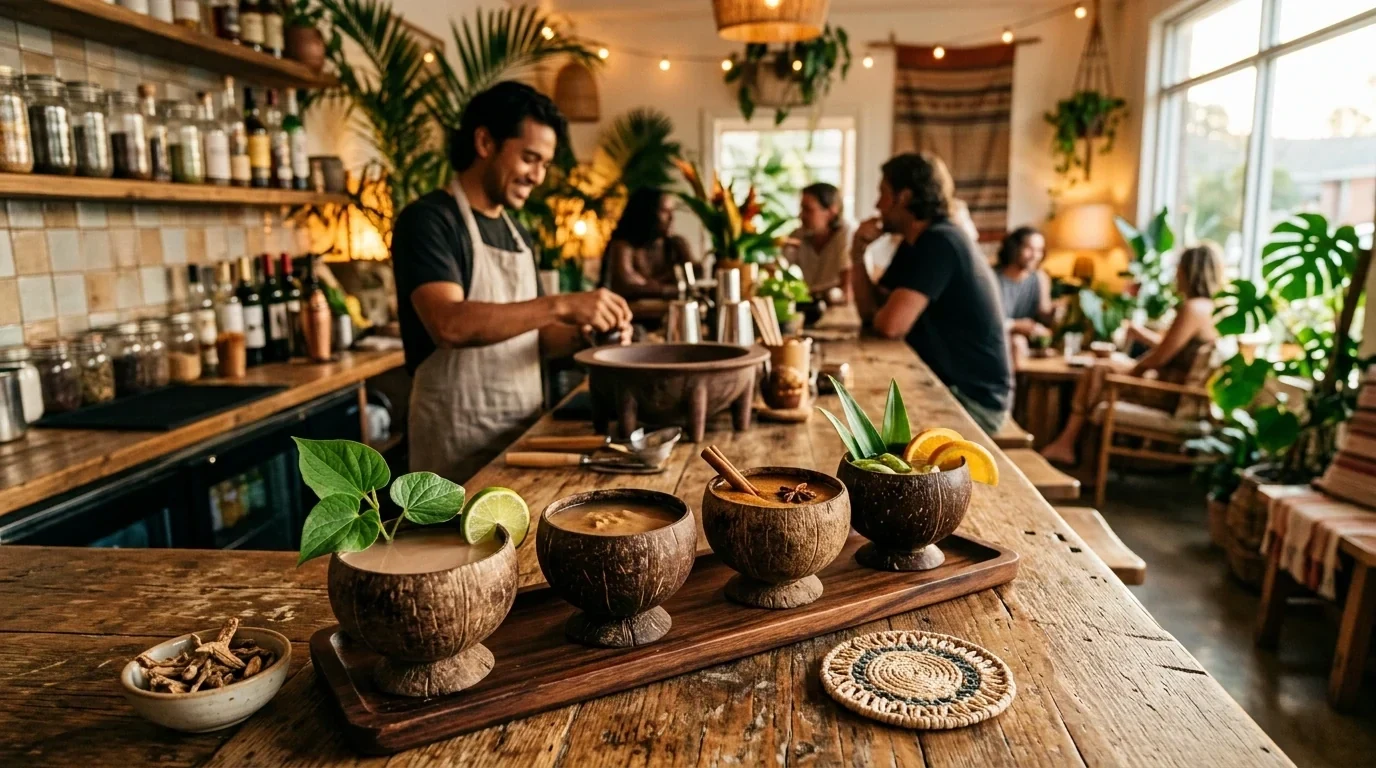
Kava Bar Delivery Orders
Delivery in early access: eligible menus, service-area checks, and order updates connected to participating bars.
Order & return
What you get
Delivery is available in early access. Confirm the participating bar, service area, and available ordering options before making plans.
Find a delivery option
Check whether a participating bar serves your address.
Check before ordering
Service area, address, and item availability matter.
Keep the order connected
Fulfillment updates and support belong with the order.
How it works
- 01
Confirm availability
Confirm the participating bar and service area before planning an order.
- 02
Confirm the details
Eligible bars will need to support your address and items.
- 03
Follow the order
Supported fulfillment will keep status and support together.
Availability
Access is limited or varies by capability. Ask what is currently supported.
- Who can use it
- Available to a limited group of participating bars. Service-area, operational, and payment approval are required.
- What it costs
- The HappyKava app is free on iPhone and Android.
- How to ask
- Use the “Ask about early access” button, or write to g@happykava.app.
Questions
Is Kava Bar Delivery Orders available now?
Early Access. Available to a limited group of participating bars. Service-area, operational, and payment approval are required.
Can I order delivery in the app today?
Delivery is in early access. Confirm whether a participating bar can serve your address and which ordering and payment options are available.
Will every bar deliver?
No. Participation, service areas, hours, and eligible menus will determine availability.
Keep exploring
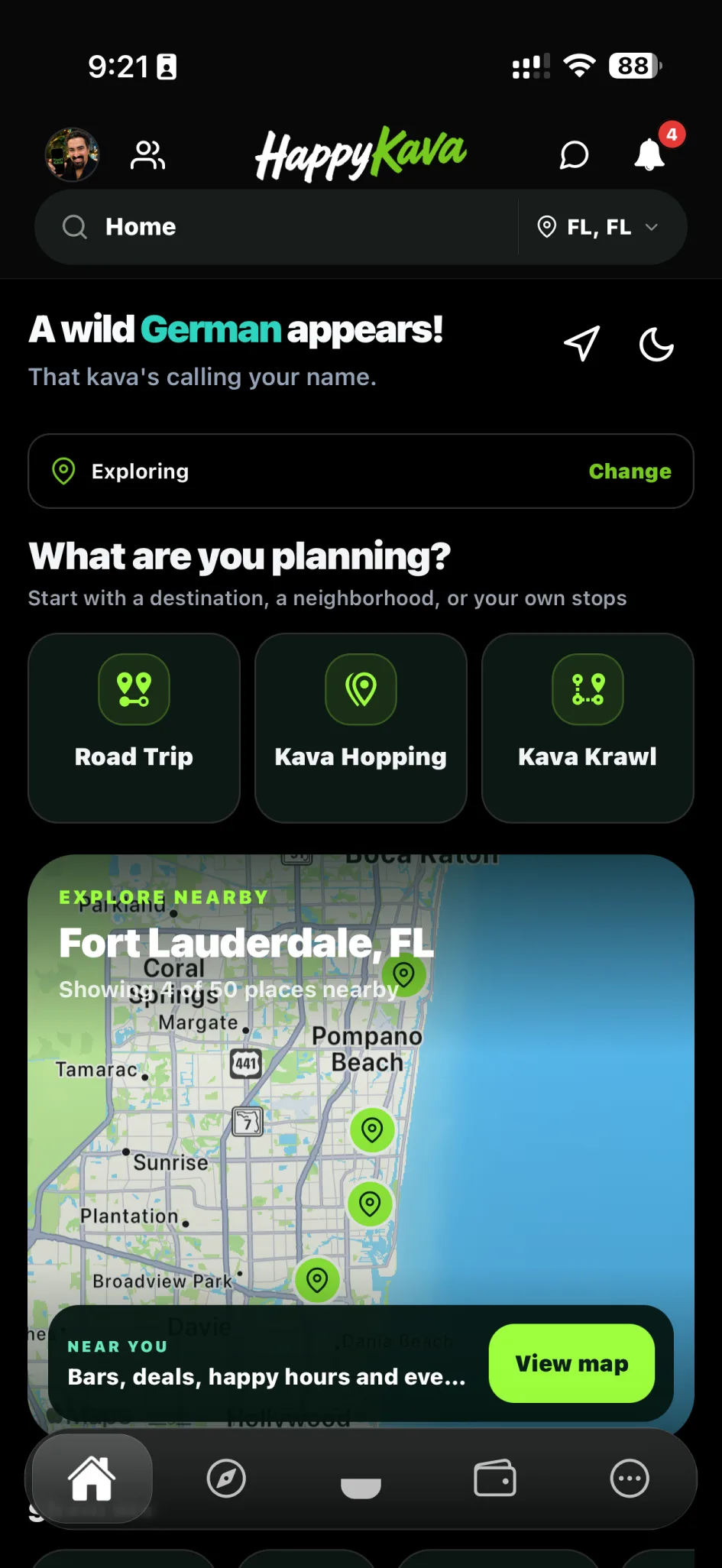
LiveDiscover & decide
TravelRoot
A quick bar hop or a whole kava road trip. String together places worth stopping for, and make the journey part of the story.
Pro Early AccessSell more
Delivery Orders
Delivery in early access: service areas, eligible menus, dispatch, guest updates, and a clear plan when something changes.
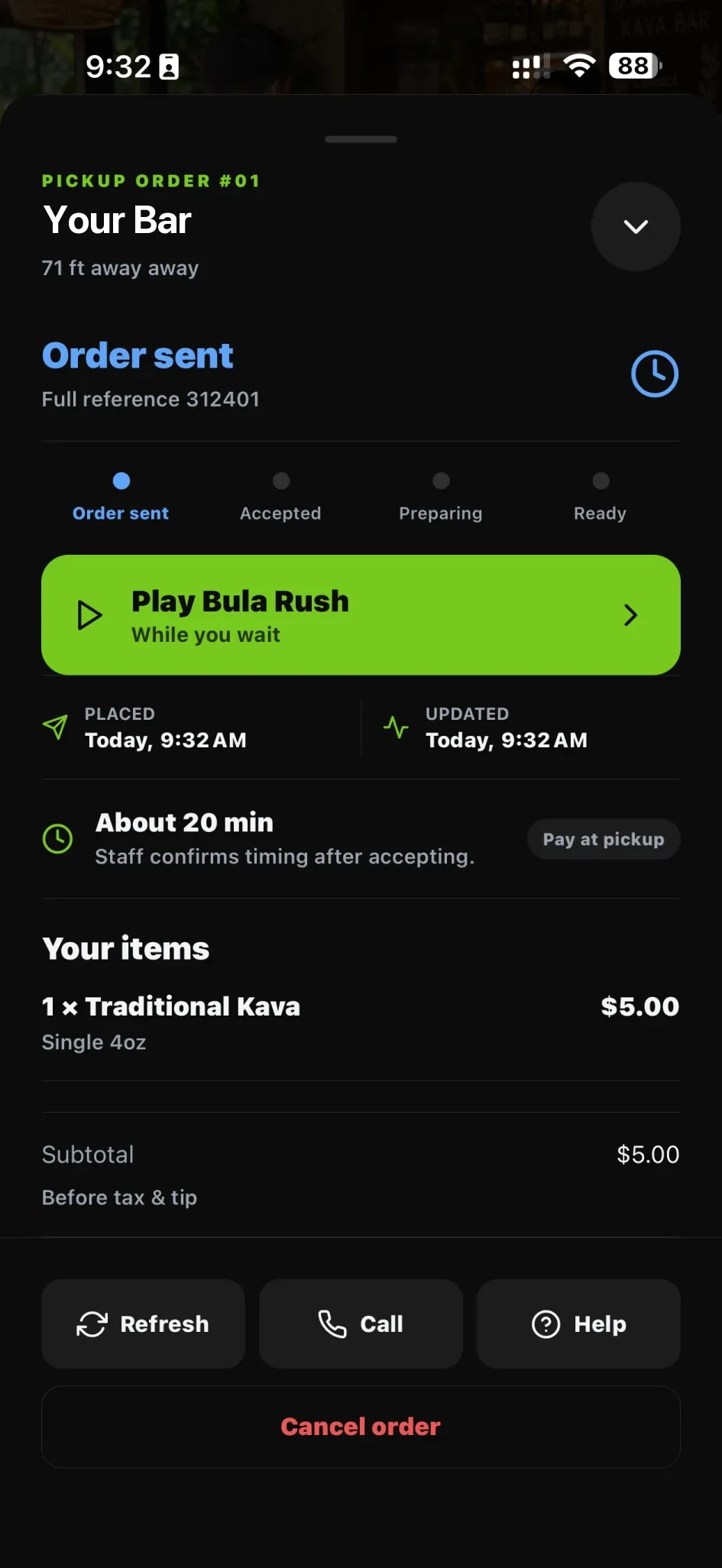
LiveOrder & return
Kava Bar Pickup Orders
Order from an eligible bar menu before you arrive. Follow the status and keep the handoff easy when it’s time to pick up.

Ask about early access
A delivery journey connected to the bar.
Available to a limited group of participating bars. Service-area, operational, and payment approval are required.
The button opens your email app. You can also write to g@happykava.app.