

Kava Bar Group Chats
Join the group chat for your kava bar in the HappyKava app. Catch up with the regulars, see what's on, and keep the conversation going between visits.
- Free on iPhone and Android
Connect & belong
What you get
A bar community is more than who’s in the building right now. Keep the everyday conversation connected to the place.
A group chat for your bar
Join conversations linked to the bar.
Plans with context
Share relevant events and offers inside the conversation.
People looking after it
Owner and staff moderation help keep the space welcoming.
How it works
- 01
Find your bar's chat
Open the bar's page in the app, or use an invite from the bar. Some bars ask you to check in first.
- 02
Join the conversation
Catch up on the plans and updates you care about.
- 03
Keep it welcoming
Follow the group chat’s rules and use reporting tools when needed.
Availability
Available today. Access can depend on the participating bar, your role, subscription, and local configuration.
- Who can use it
- Group chats are available at bars on a paid plan that have messaging turned on. Your bar's team sets how people join.
- What it costs
- The HappyKava app is free on iPhone and Android.
Questions
Is Kava Bar Group Chats available now?
Live. Group chats are available at bars on a paid plan that have messaging turned on. Your bar's team sets how people join.
Does every bar have a group chat?
Not every bar. Group chats are available at bars on a paid plan that have messaging turned on.
Who looks after the conversation?
The experience supports role-aware moderation by the bar team.
Keep exploring
Early accessConnect & belong
My Kava Crew
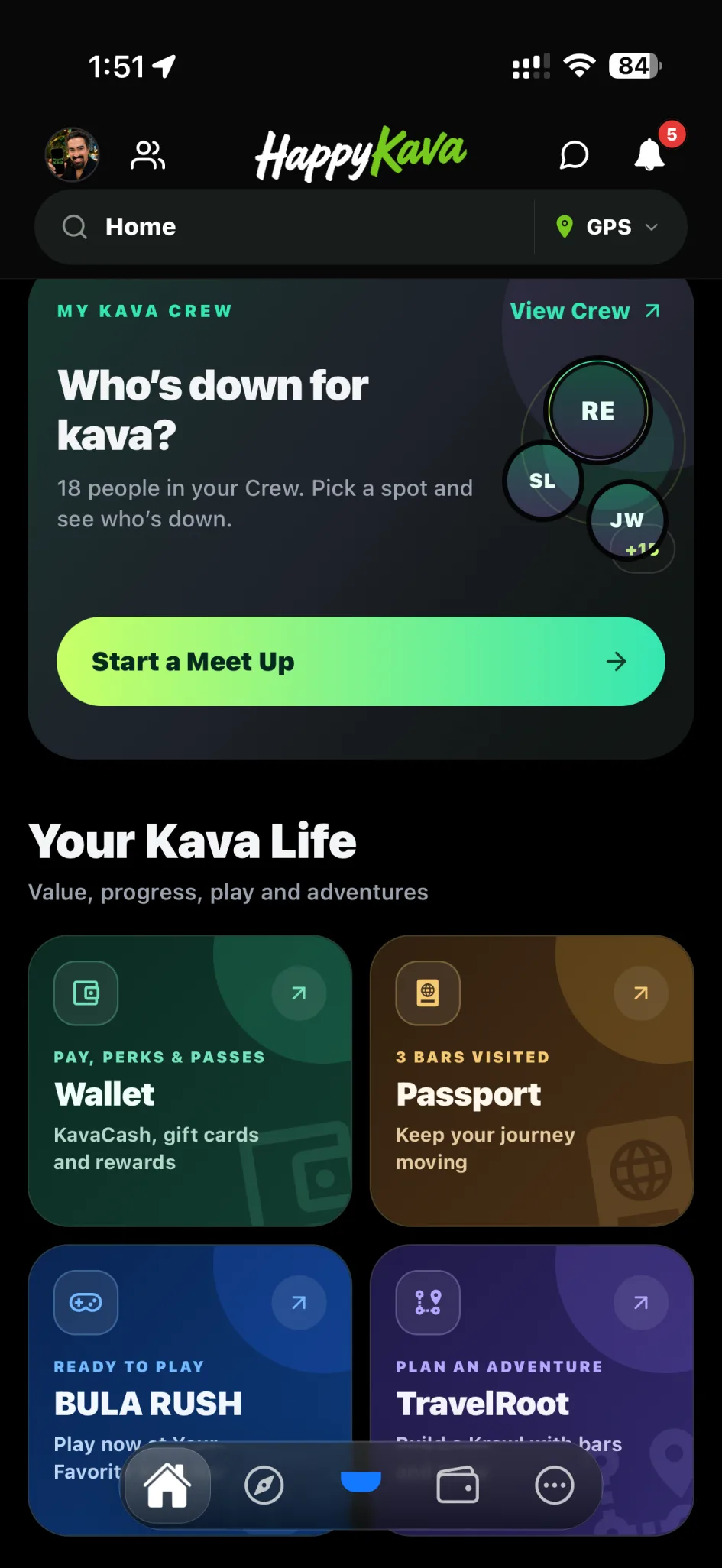
Keep your kava crew close. Share a spot, rally for a meetup, and turn “we should go sometime” into an actual plan.
Early accessConnect & belong
Kava Bar Alerts
A plan from your crew. An event at your Home Bar. Keep the updates that matter together, with preferences you can control.
LiveConnect & belong
Kava Bar Reviews
Share what the visit was really like. A thoughtful review helps someone else find the right bar and gives the bar useful feedback.