
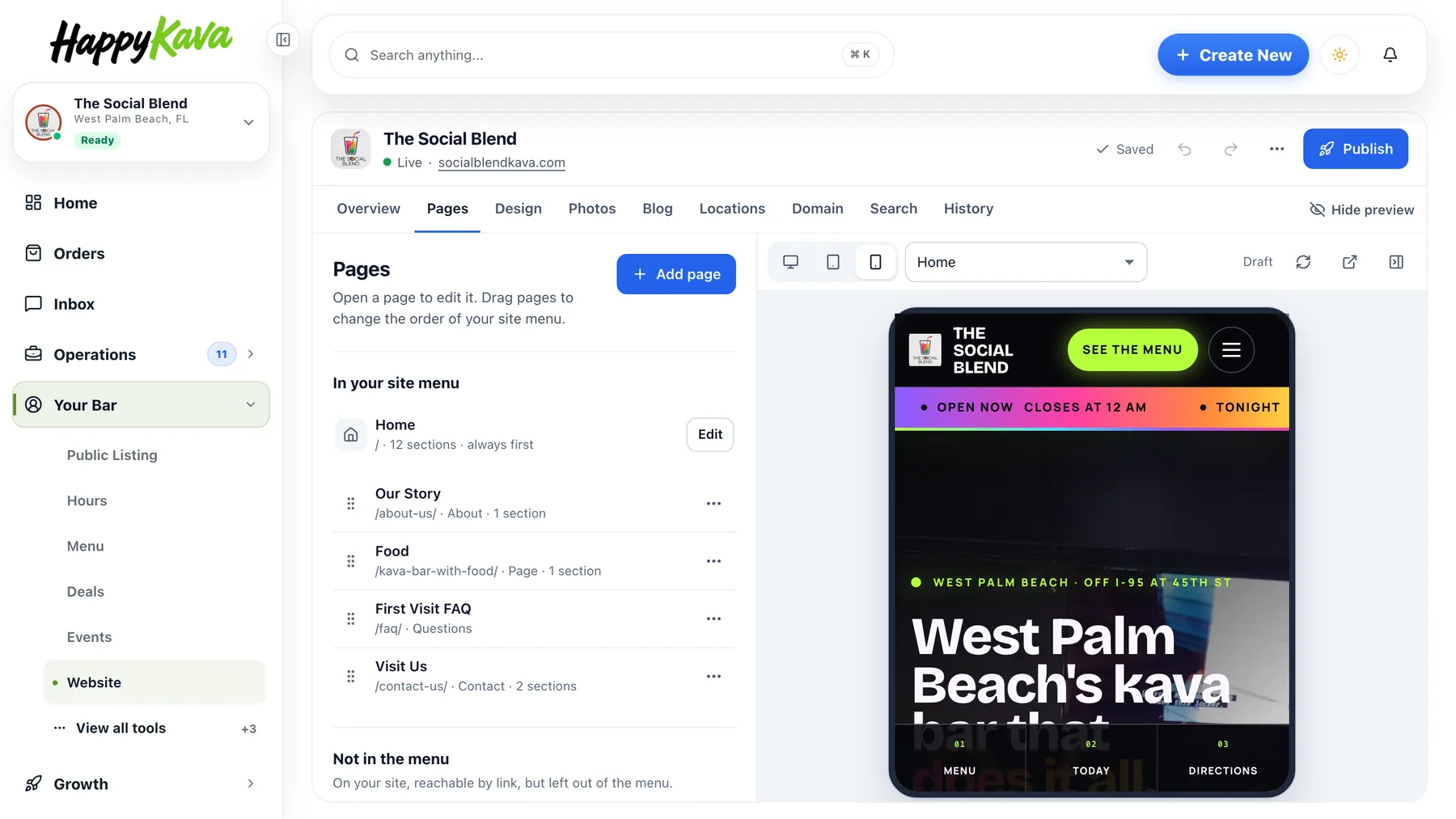
Open Your Bar › Website and you get a proper editor: your draft on one side, the controls on the other, and a Publish button that tells you what will change before it changes.
Six websites built with HappyKava
From a storybook café to a neon-lit lounge, your website can feel like your bar. Here are six of our favorite designs we've built, including live sites and previews. Previews show work in progress and are not the bars' official websites yet.
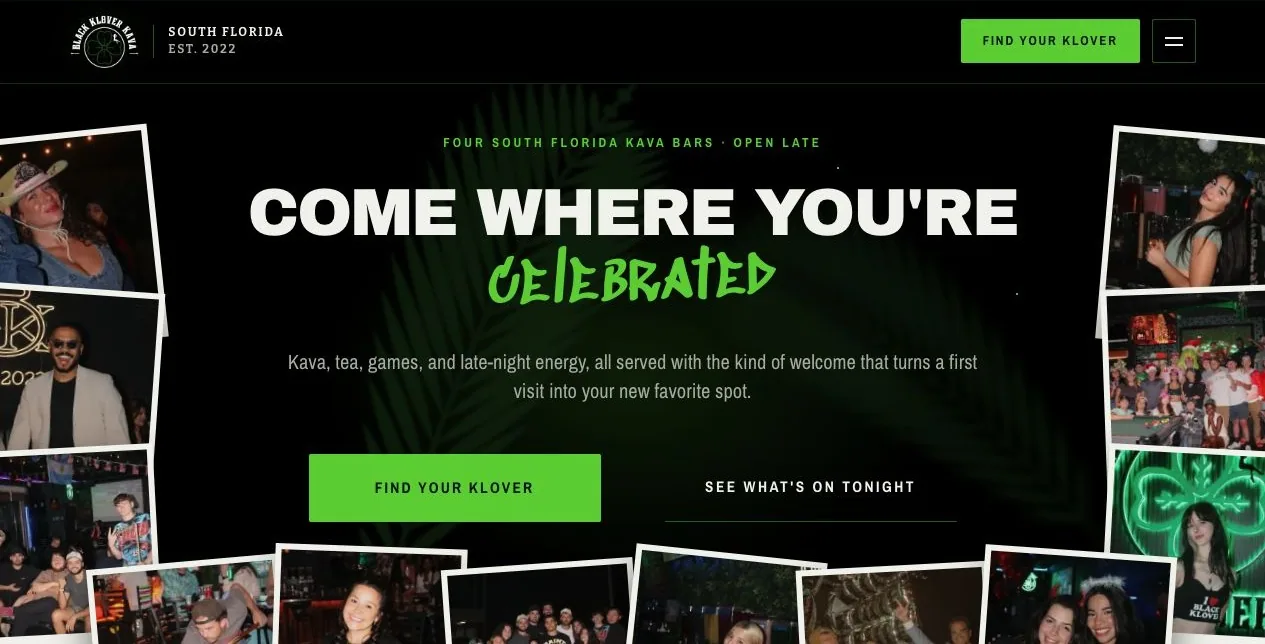
1. Black Klover Kava
PreviewElectric green accents, oversized lettering, and a collage of community photos bring four South Florida lounges together.
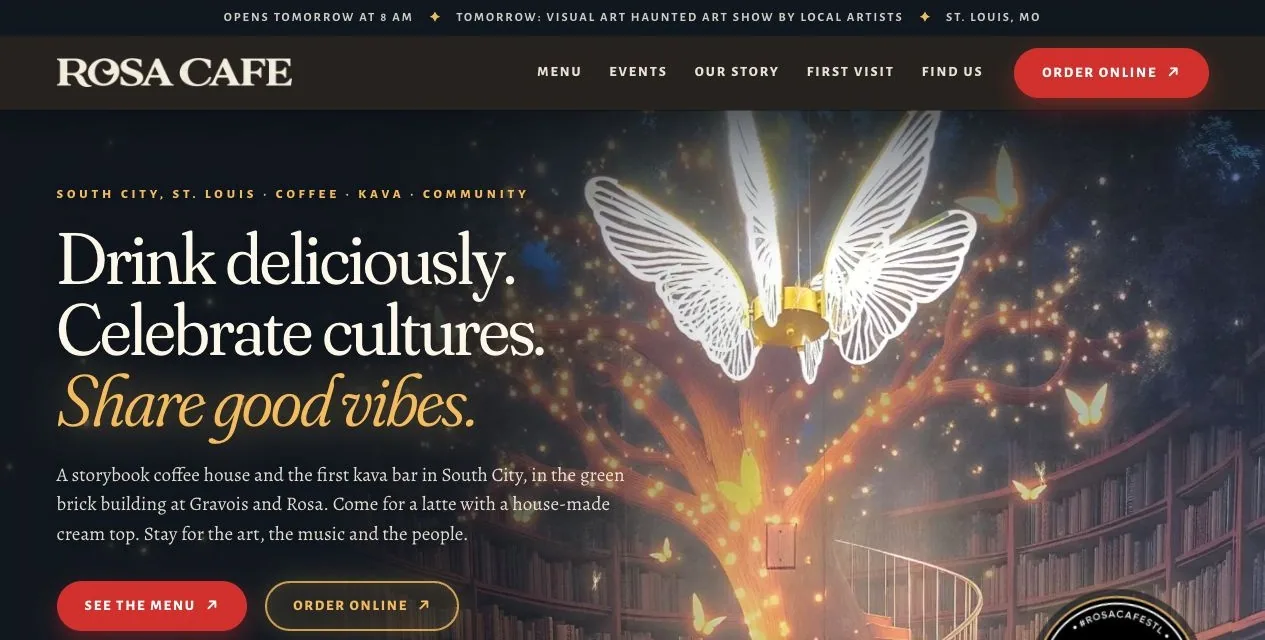
2. Rosa Cafe
PreviewStorybook imagery, warm gold details, and elegant lettering capture the character of this St. Louis café.
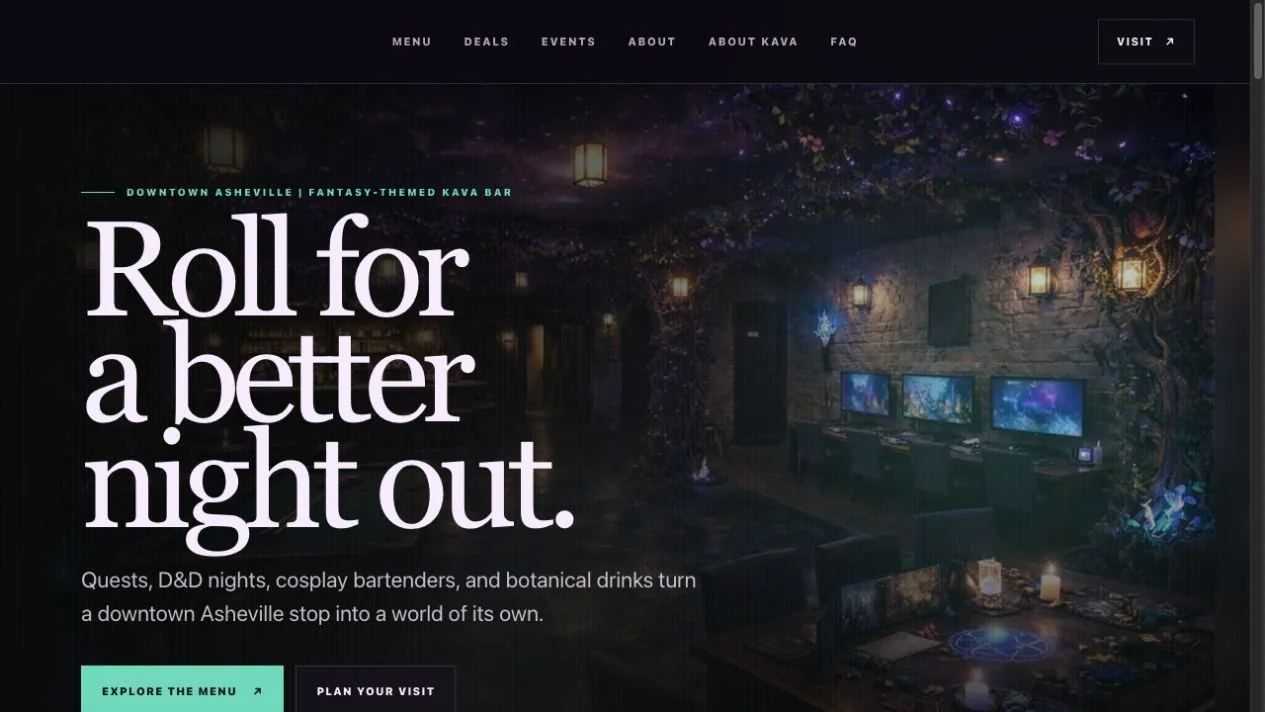
3. Moon & Root
Live siteAtmospheric photography and dramatic typography bring the Asheville bar's fantasy world online.
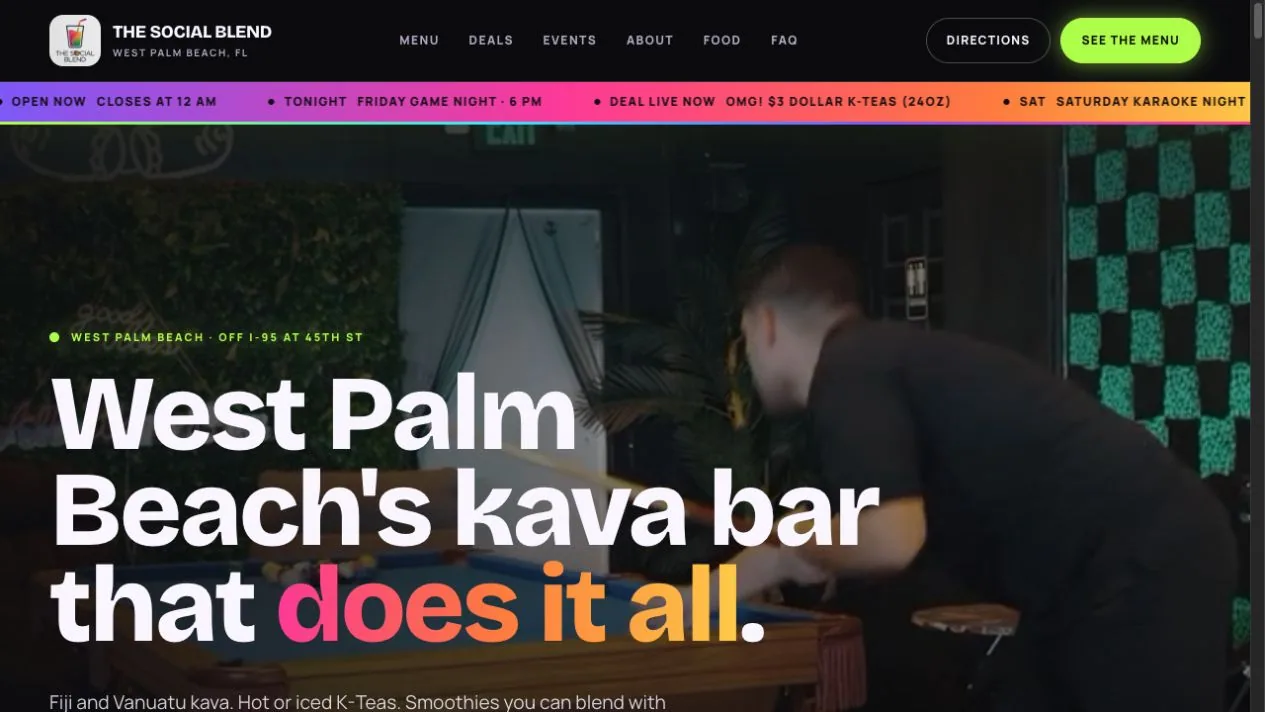
4. The Social Blend
Live siteVideo, neon gradients, and bold headlines capture the energy of this West Palm Beach hangout, with events and deals close at hand.
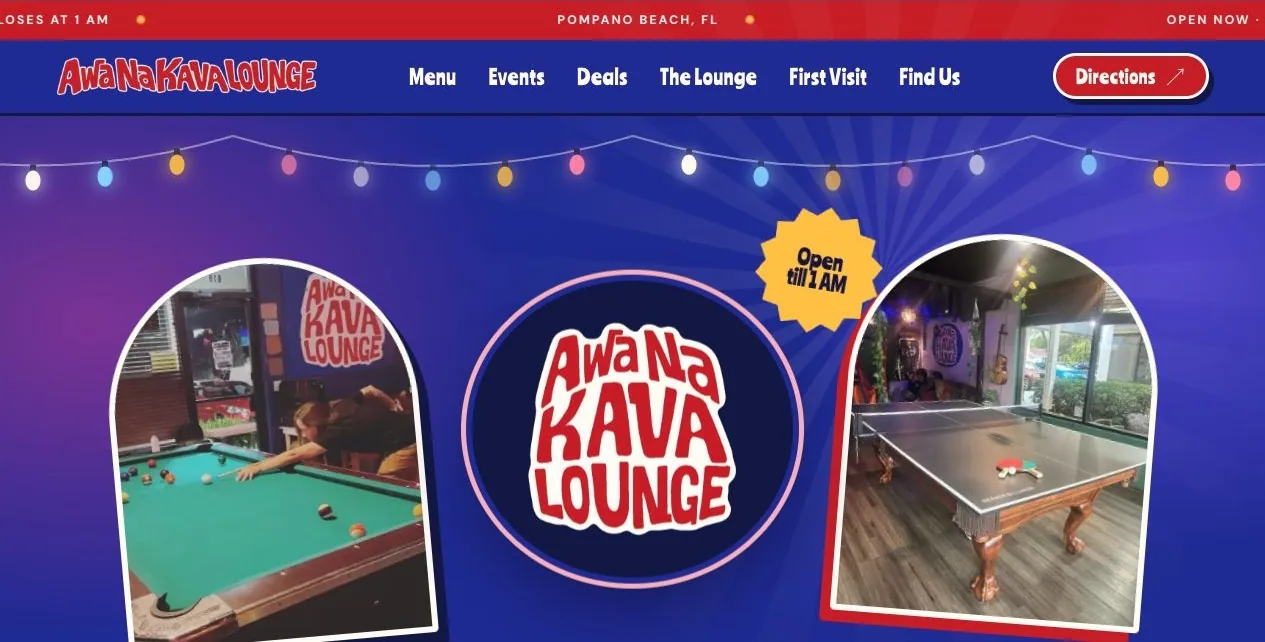
5. Awa Na Kava Lounge
PreviewPlayful lettering, string lights, and colorful photo frames give the Pompano Beach lounge a look all its own.
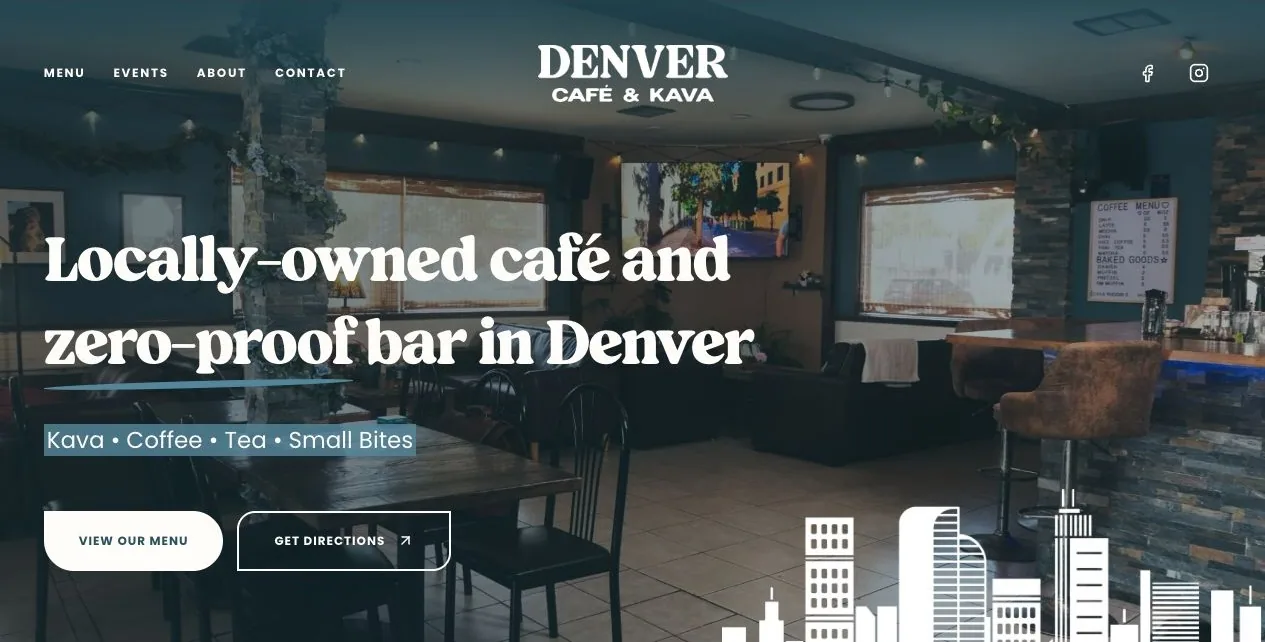
6. Denver Café & Kava
PreviewWelcoming café photography, clean navigation, and a distinctive skyline illustration make it easy to picture a first visit.
Edit beside a live preview
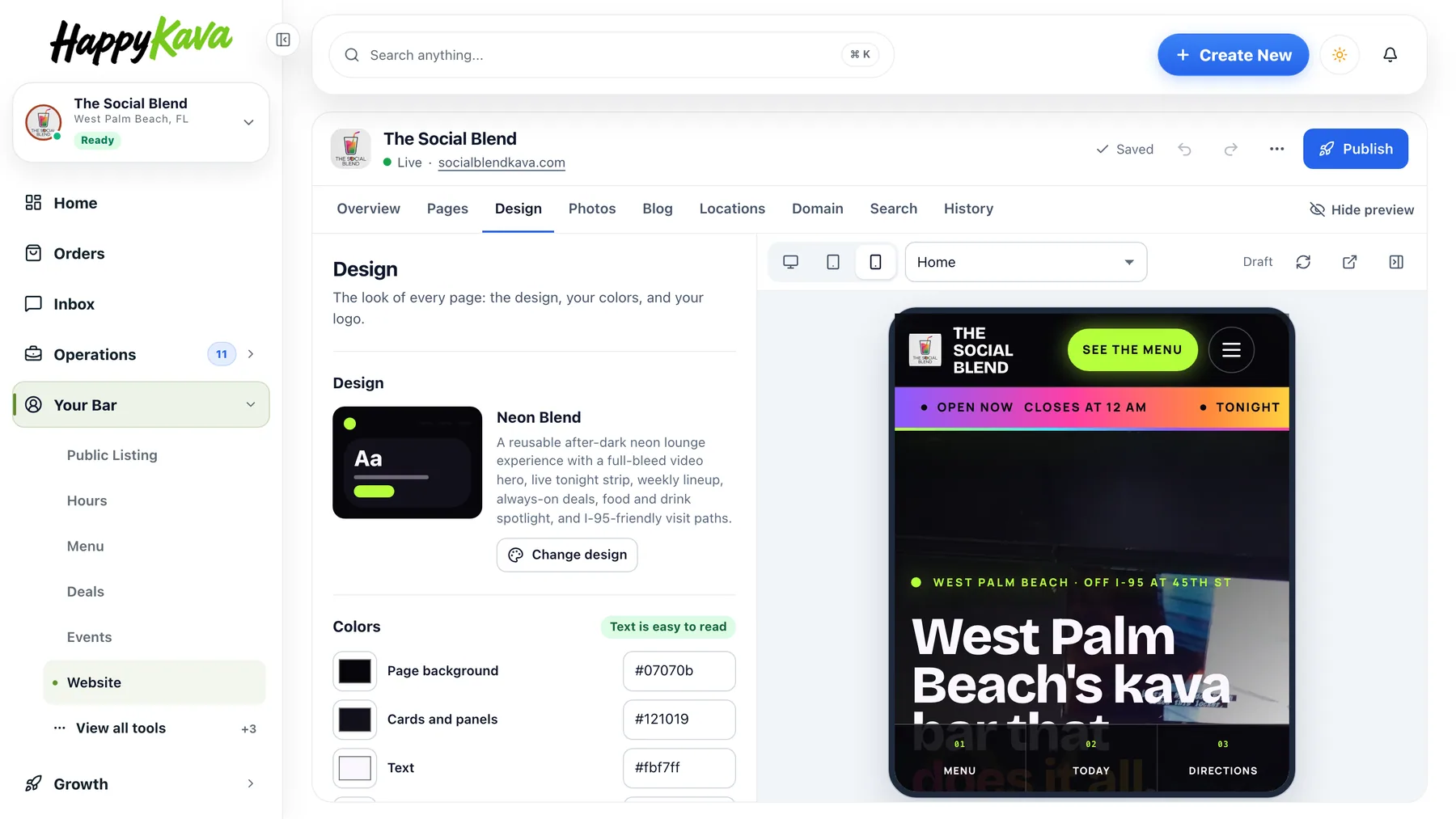
Pick a page, open a section, type. Edits save on their own about a second after you stop typing, so there is no Save button to forget. Undo and Redo step back through the visit. The preview reloads after each save without losing its place, follows the page you are editing, and switches between computer, tablet and phone width. Hide it, or work in full screen.
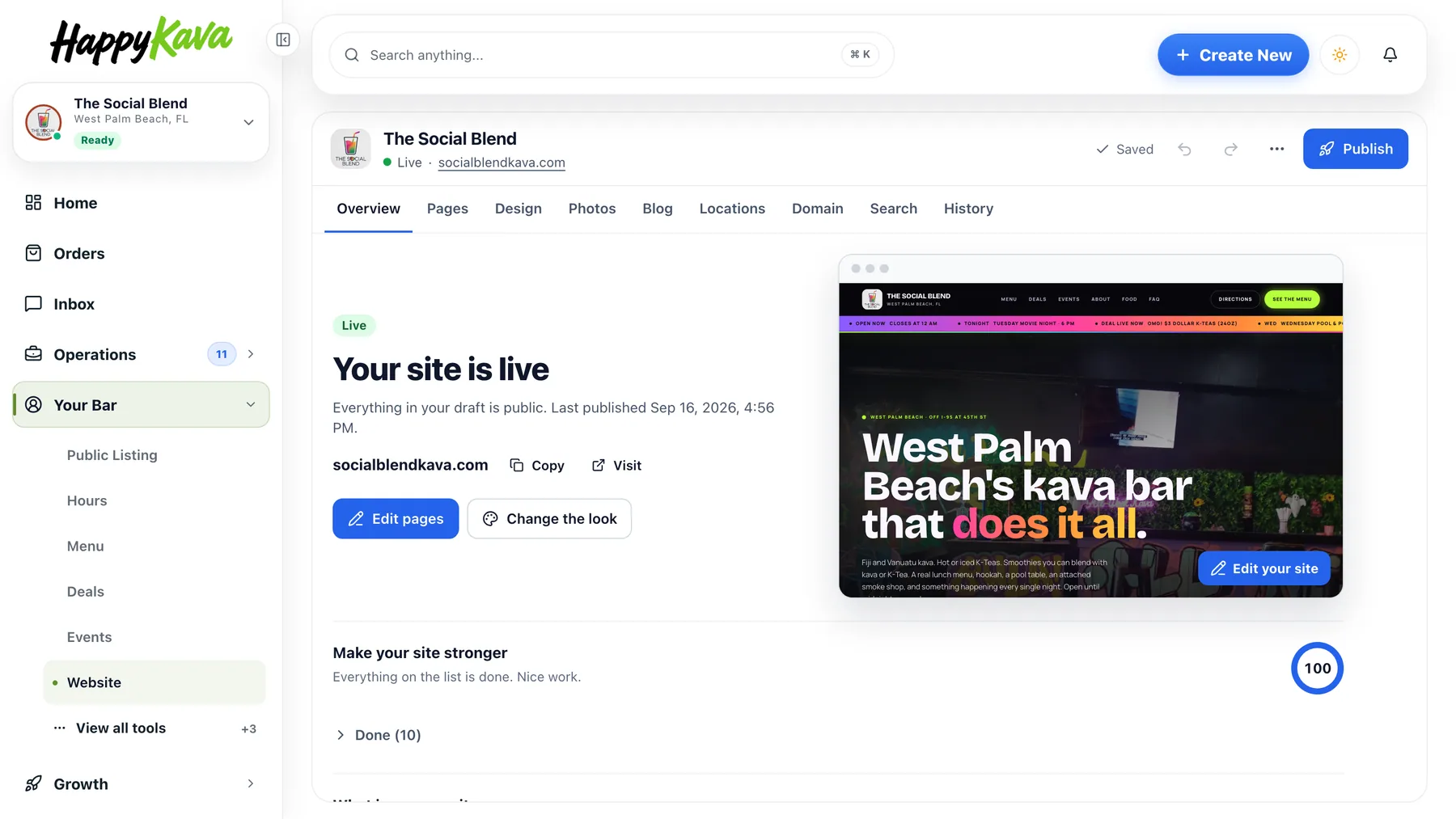
Every page, every photo, your domain
Pages lists the whole site. Drag to set the menu order, add a page from a starter, hide one, duplicate it, delete it and bring it back. Photos takes several at once; describe each one and say what it is used as. Design lists every look you can switch to, with your colors and logo, plus switches for what your site pulls in on its own: deals, events, pickup and delivery, who is working. Domain holds your HappyKava address and the guided setup for a domain you already own.
Publish with a checklist, go back any time
Publish runs the checks first and lists anything to fix, each with a button that opens the right spot. On a site that is already live it shows exactly what goes live. History keeps every published version: pick one and it comes back as your draft, while visitors keep seeing the last published version until you publish again.
Also improved
- A Deals button on your home page no longer counts as a broken link when you publish.
- On your site, gallery photos open in the middle of the screen.
- Pop-ups in the dashboard open in the middle of the screen too.
- The button that collapses the sidebar stays visible on narrow windows.
- Editing a weekly event no longer drops its end date.