
Multi-Location HQ
Every bar you run,on one screen.
HQ shows how all your locations are doing right now and which ones need you. Change a deal, hours or a menu at many bars at once, watch it land at each one, and undo it if you need to.
- Free with 2 or more locations
- Same numbers as each bar's own pages
- Every bar keeps its own prices and time zone
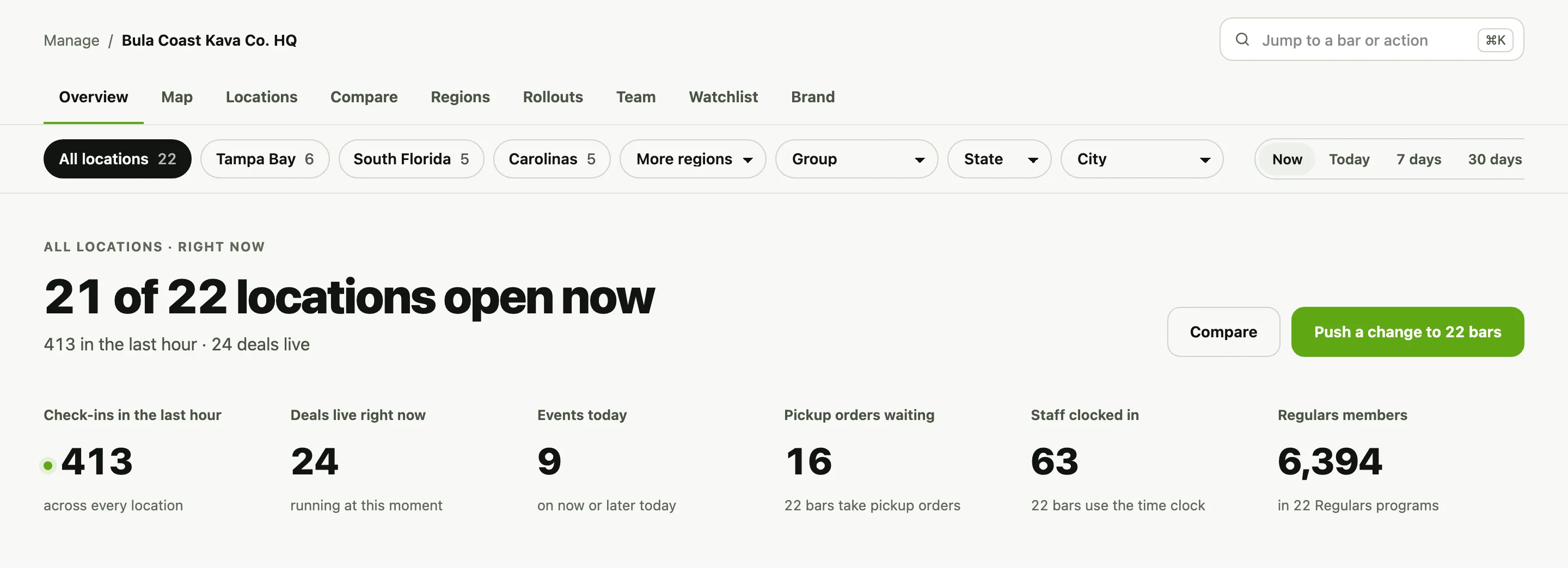
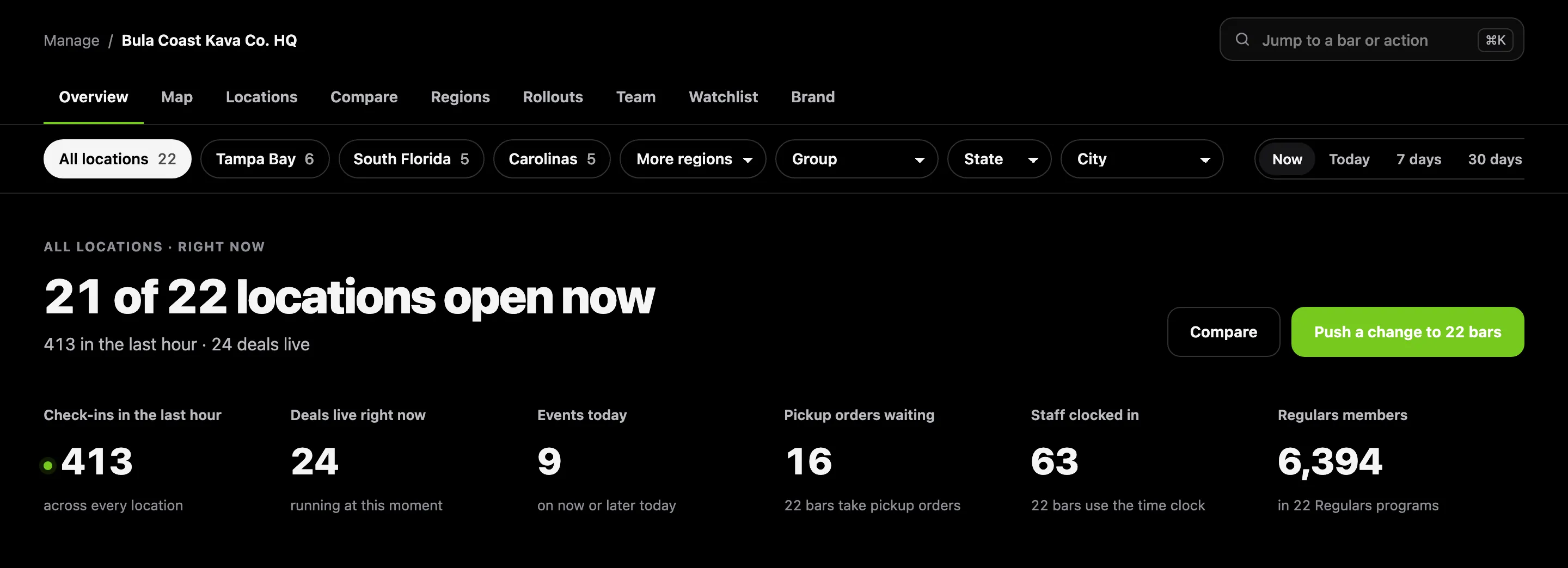
Screens show a made-up sample chain. The numbers are examples.
Built for the second location and the twentieth
Four questions,one place to answer them.
- 01
How are all my bars doing right now?
Overview → - 02
Which ones need me, and what's the fix?
Needs attention → - 03
How do I run Florida apart from Texas?
Regions and Team → - 04
How do I change one thing at 9 bars, and undo it?
Rollouts →
Scope
Pick a scope.Everything follows it.
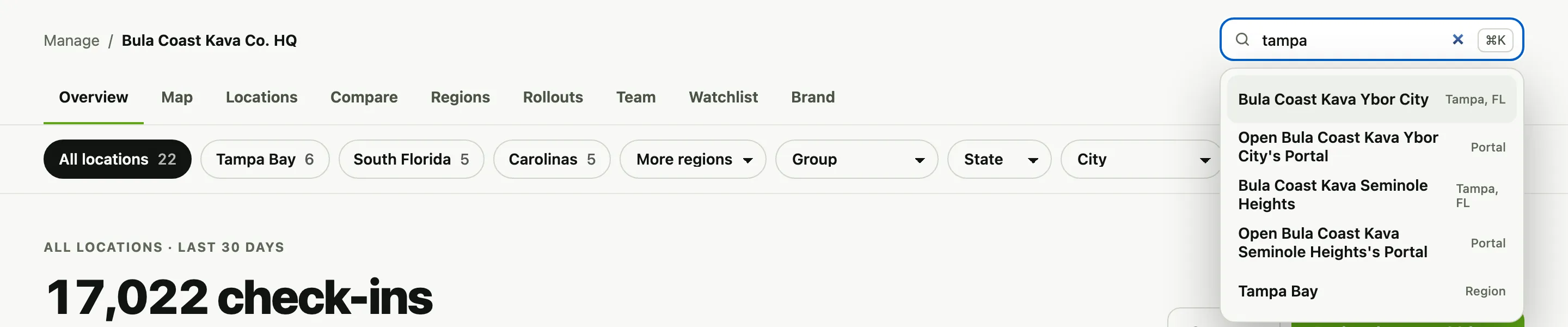
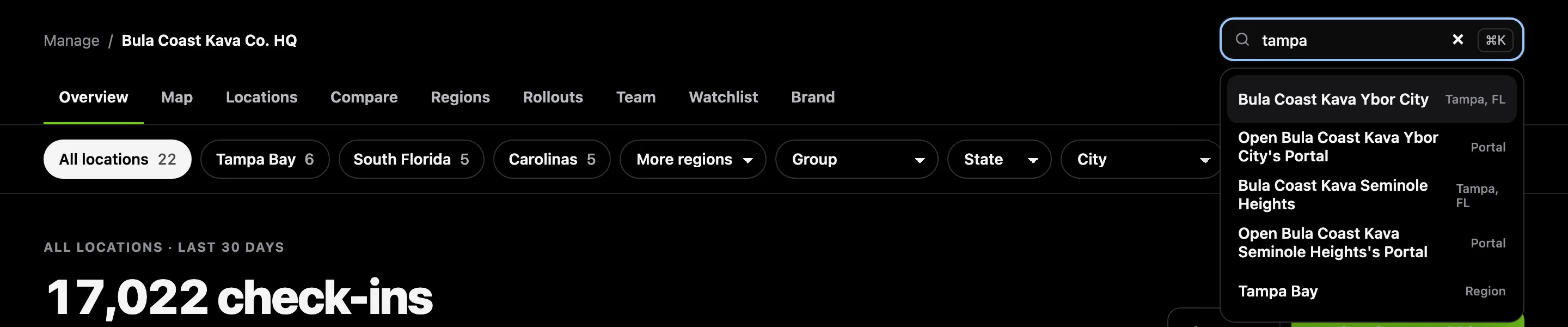
All locations, a region, a state, a city, a saved group or a few bars you pick. Every number, map pin, row and action on every HQ screen follows the scope you choose. Press ⌘K to jump straight to any bar or action.
Overview
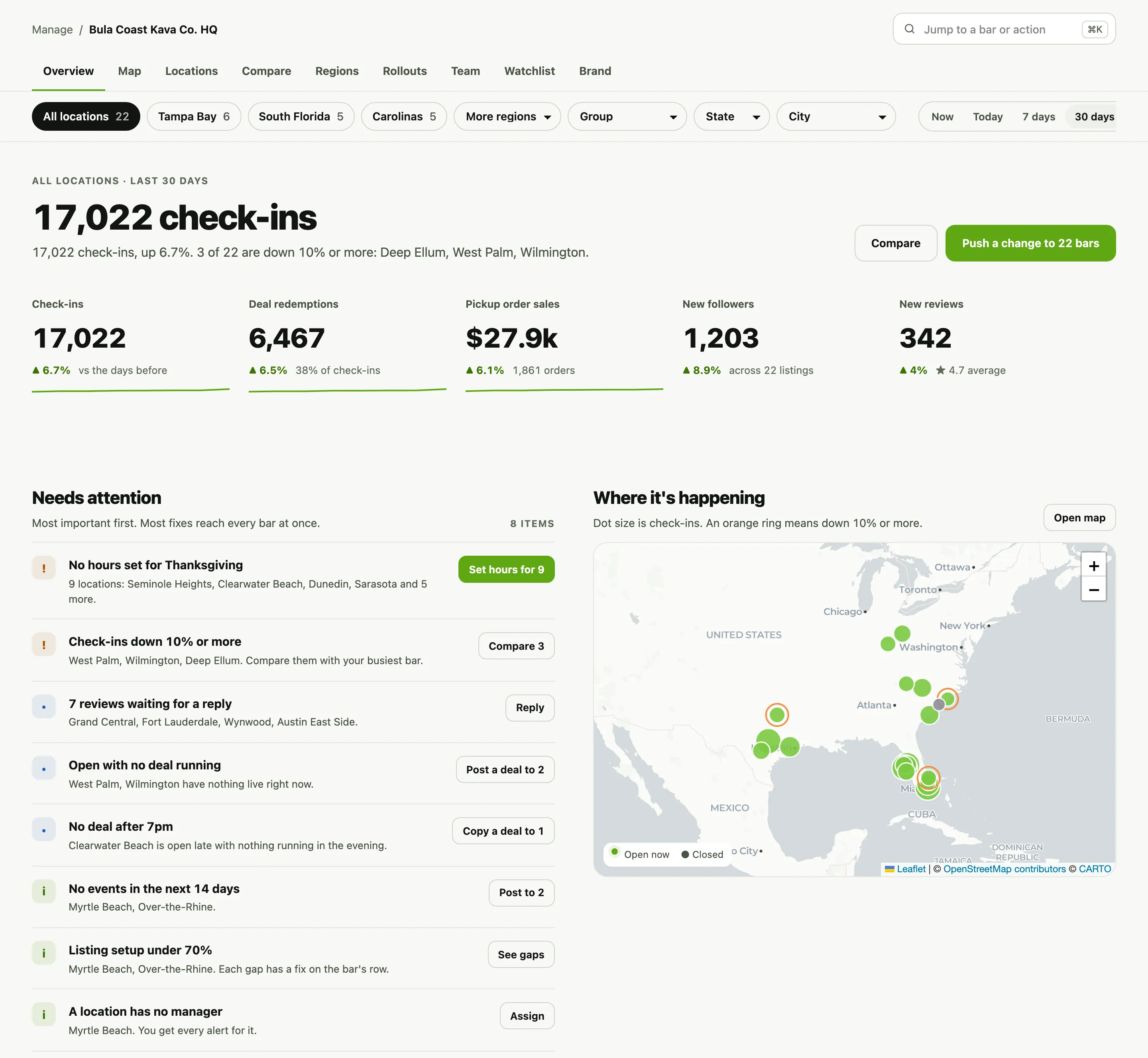
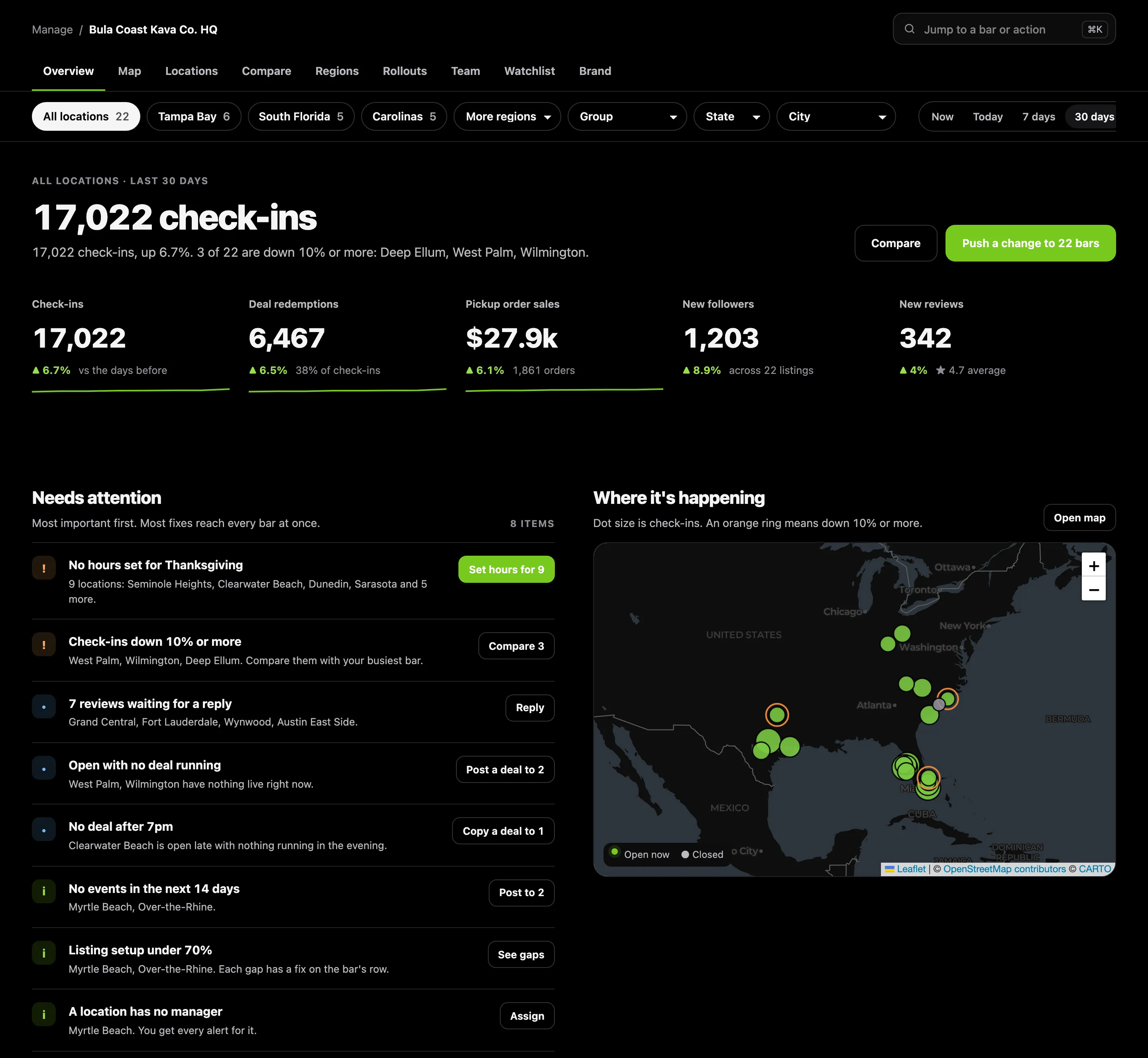
Know how every bar is doingbefore you ask.
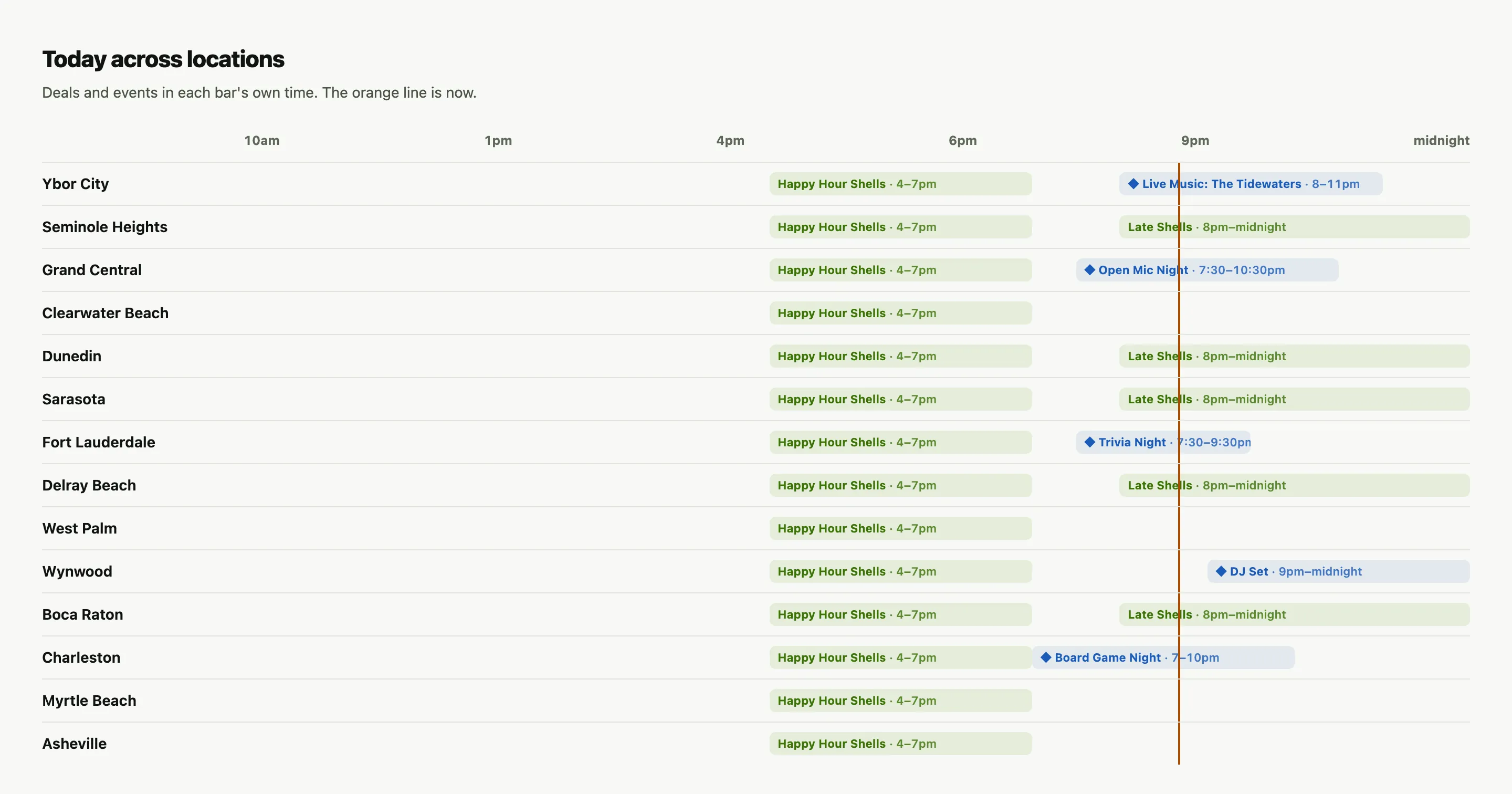
Now shows what's happening this minute. Today, 7, 30 and 90 days show how each range compares with the one before.
Now
Bars open, check-ins in the last hour, deals live, events today, orders waiting and staff clocked in, with today's schedule for every bar.
Needs attention
Ranked by what it costs you: missing holiday hours, check-ins down 10% or more, open with no deal live, reviews waiting. Each one names the bars and has one fix that works on all of them.
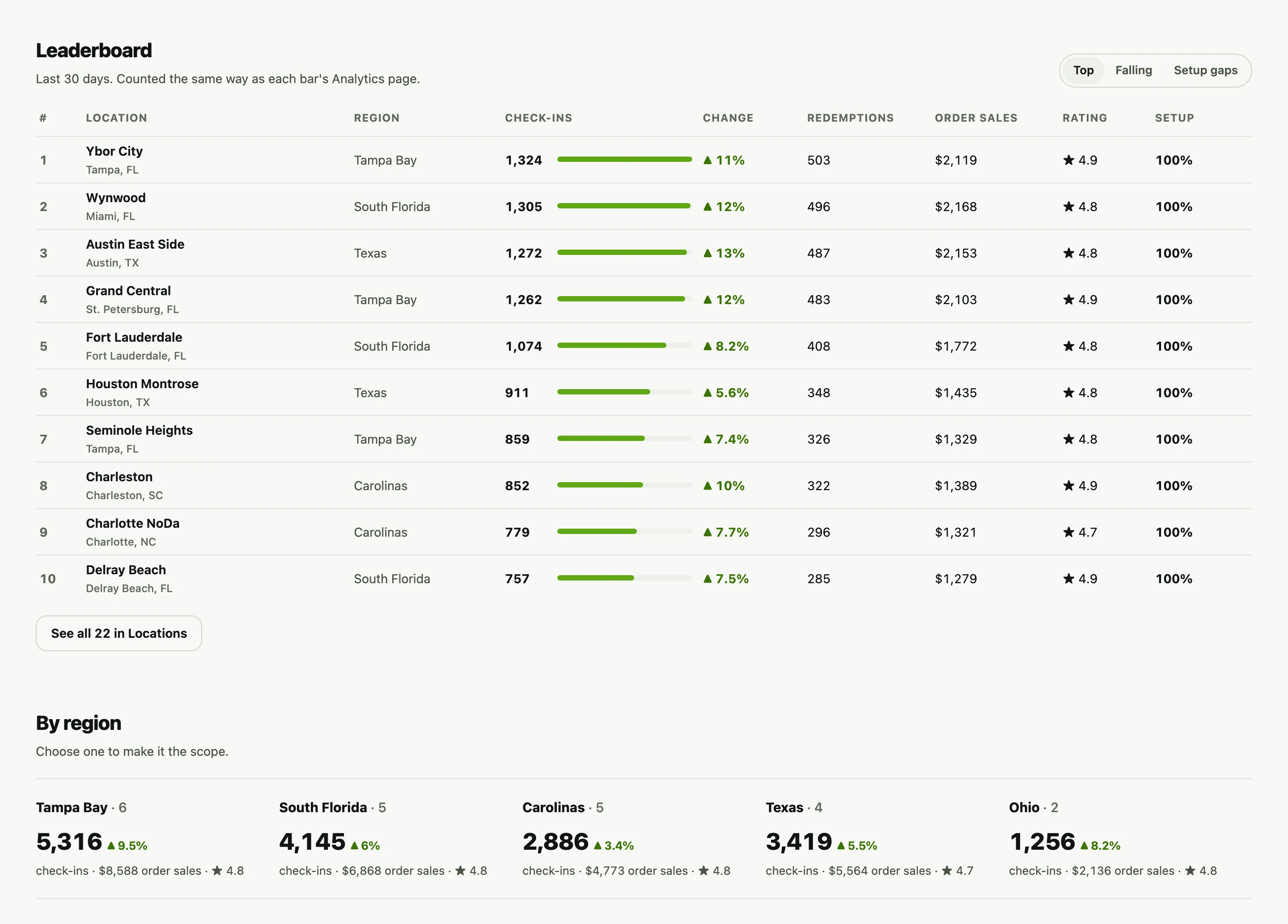
Leaderboard and regions
Sort by top, falling or setup gaps. Click a region to make it the scope.
Fair comparisons
Today is compared with the same weekday last week, up to the same hour, so a quiet morning never looks like a drop.
Map
See where it's busyand where it isn't.
Color every pin by check-ins, change since last week, rating, order sales or setup. Show only the bars open now, with a deal live, with an event today or that need attention.
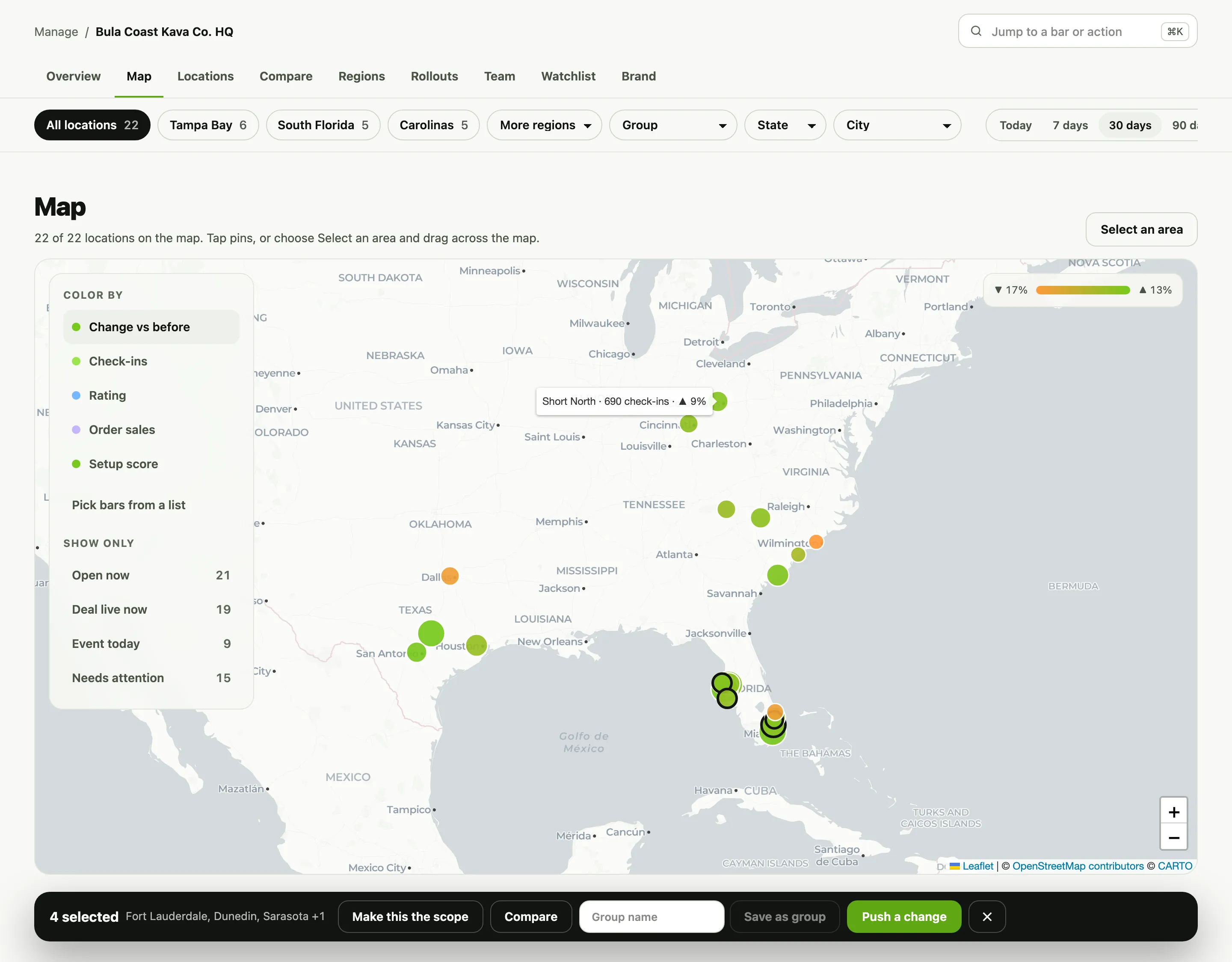
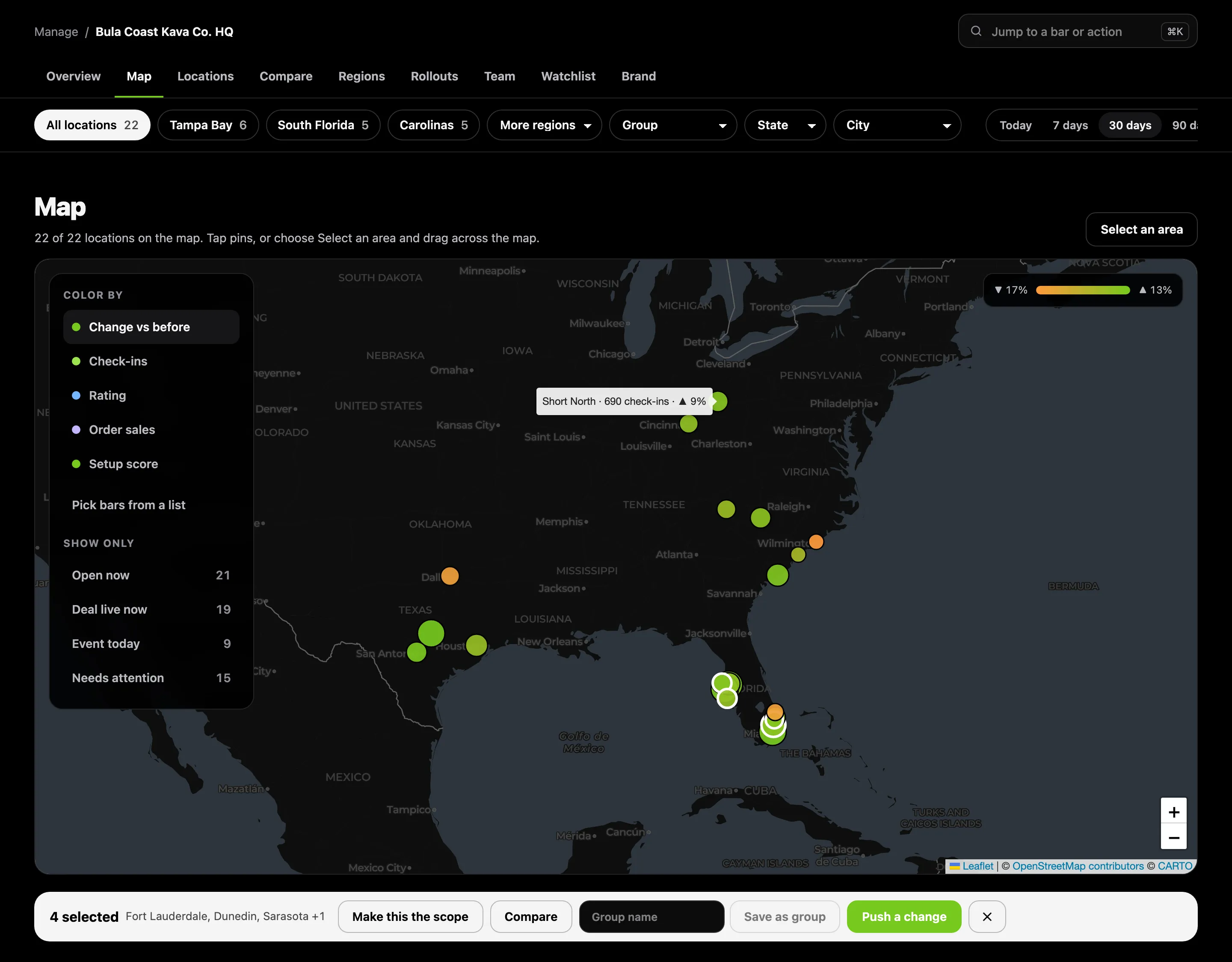
Hover for the numbers
Each pin shows its key numbers, with Open bar and Compare.
Select on the map
Tap pins or drag across an area to pick bars, then compare them, save them as a group or push a change to them.
Locations
Every bar in one list,ready to act on.
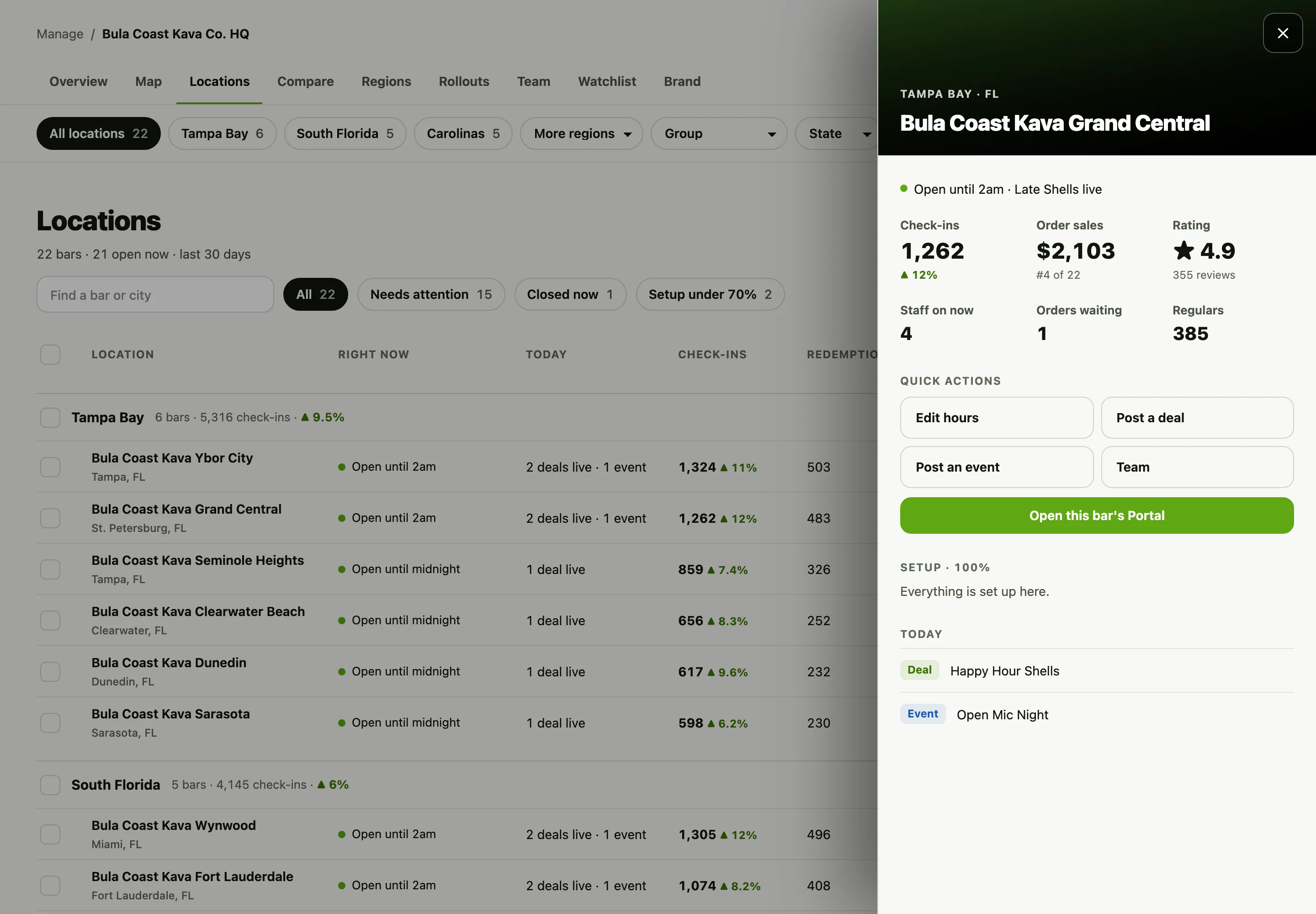
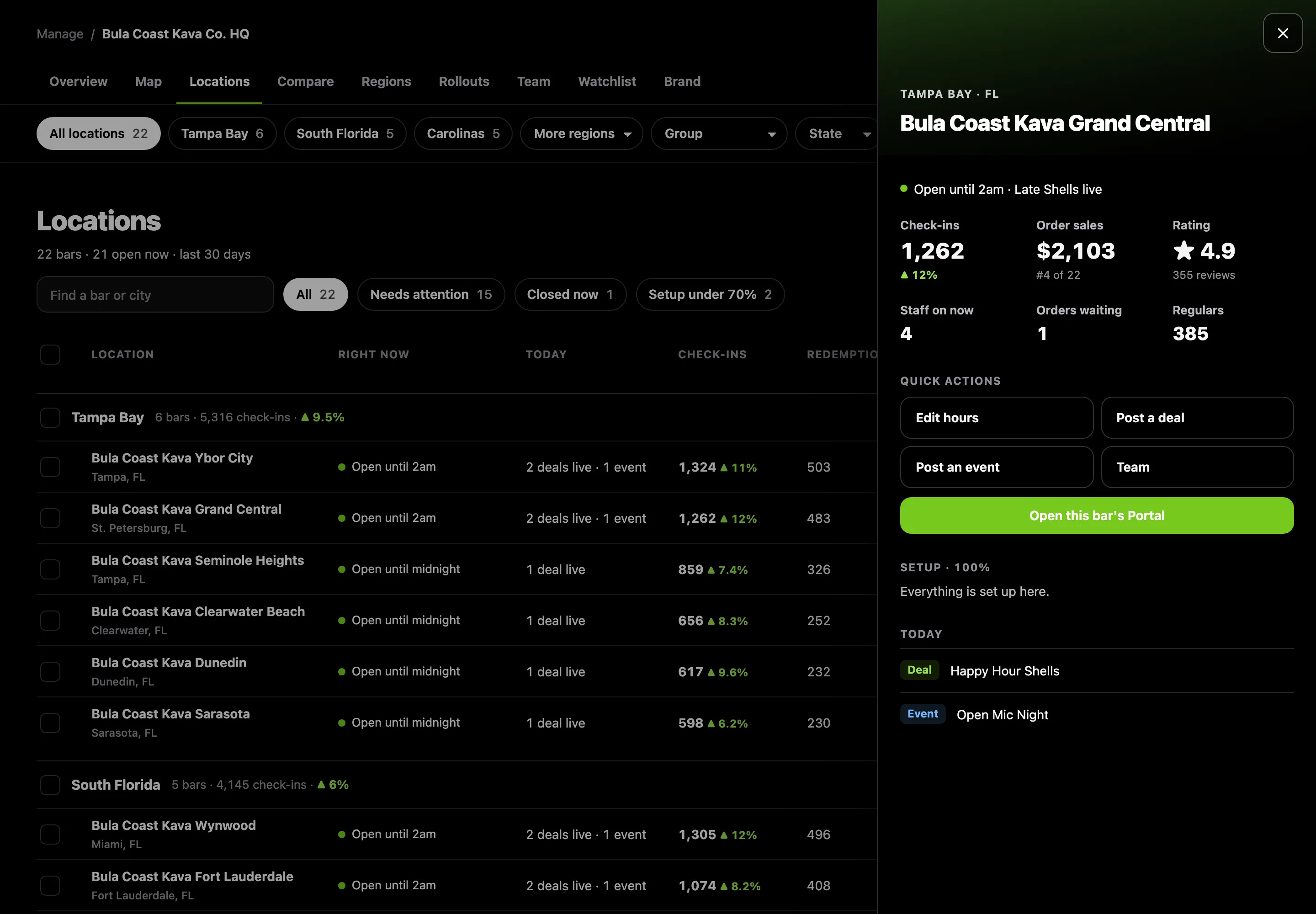
Group by region, state or city. Each row shows whether the bar is open, what's on today, check-ins, redemptions, order sales, rating, setup and its manager.
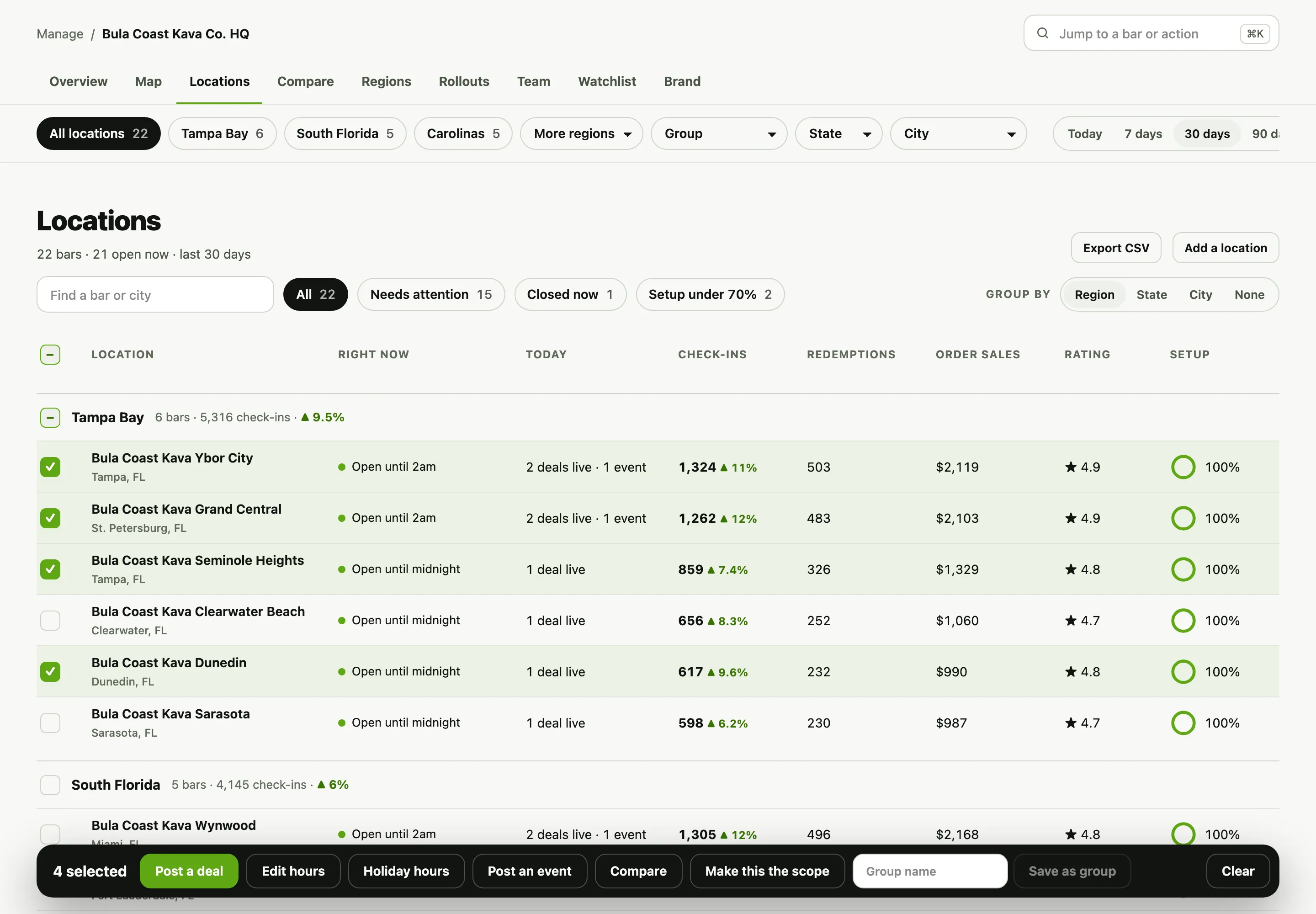
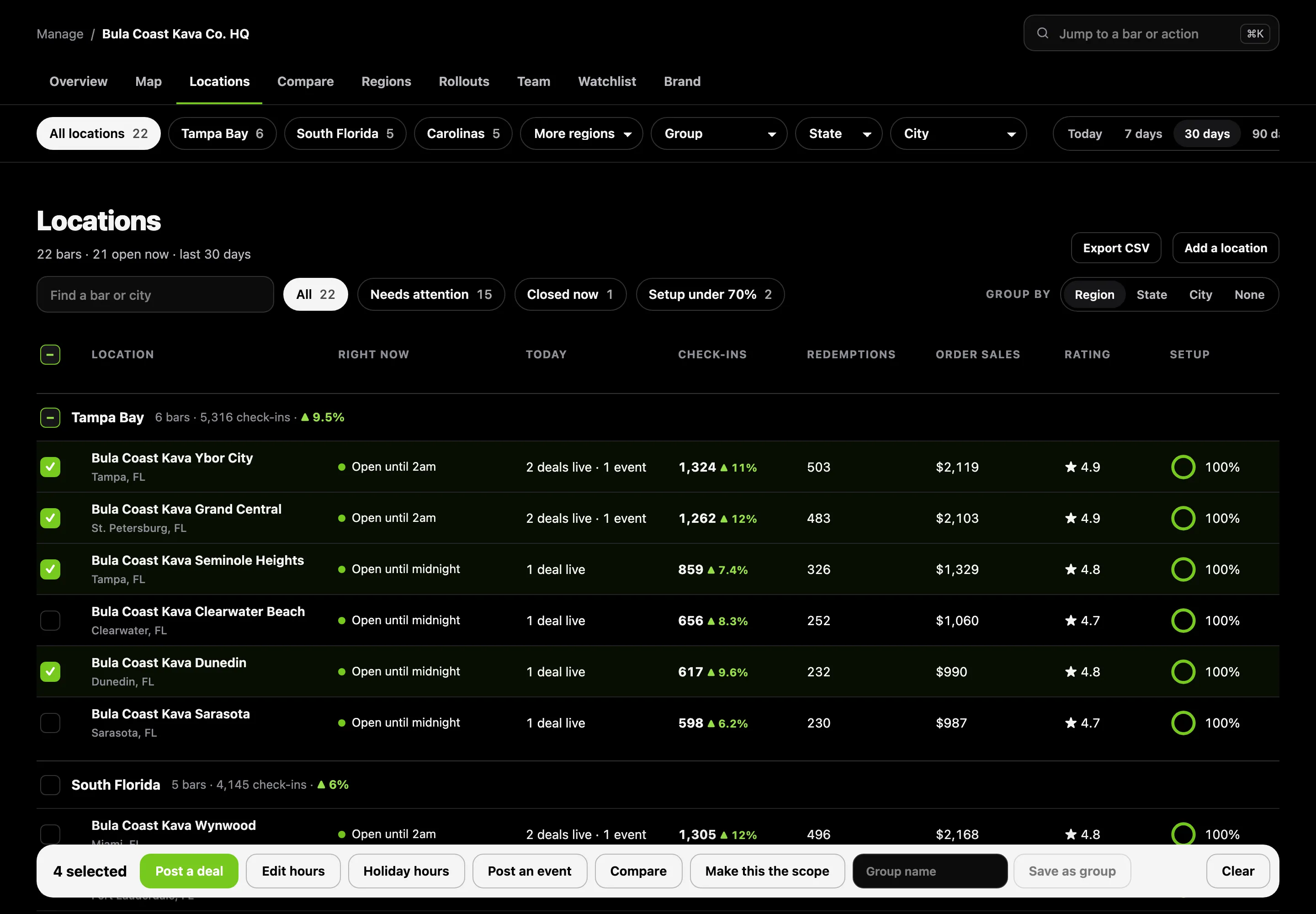
Select many, act once
Tick a group or a few rows and post a deal, edit hours or post an event at all of them.
Open any bar
A side panel shows its numbers, setup gaps with their fixes, what's shared from HQ and the team.
Views and export
Needs attention, closed now, setup under 70%. Export the list as a CSV.
Compare
Find out what your best barsdo differently.
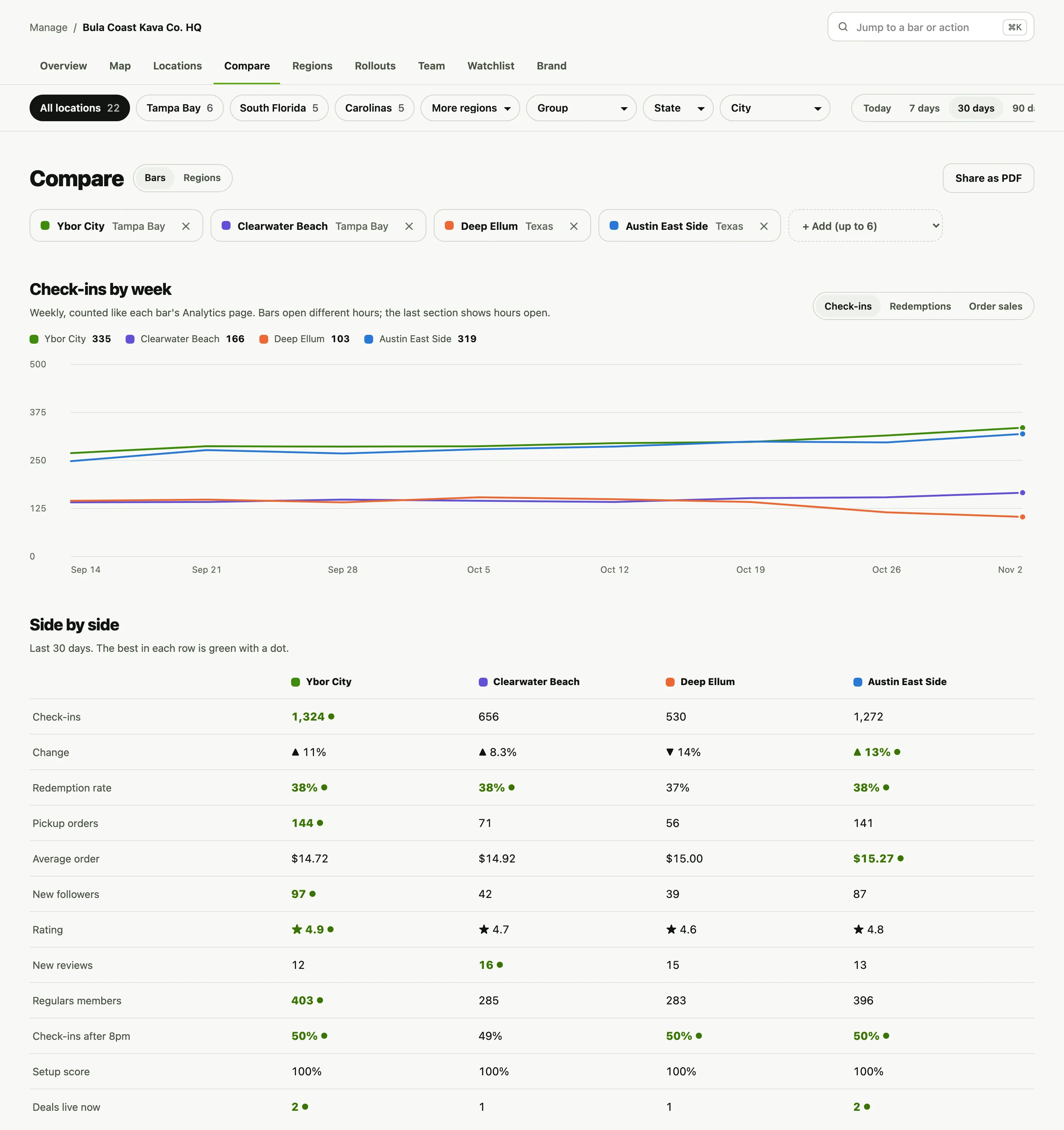
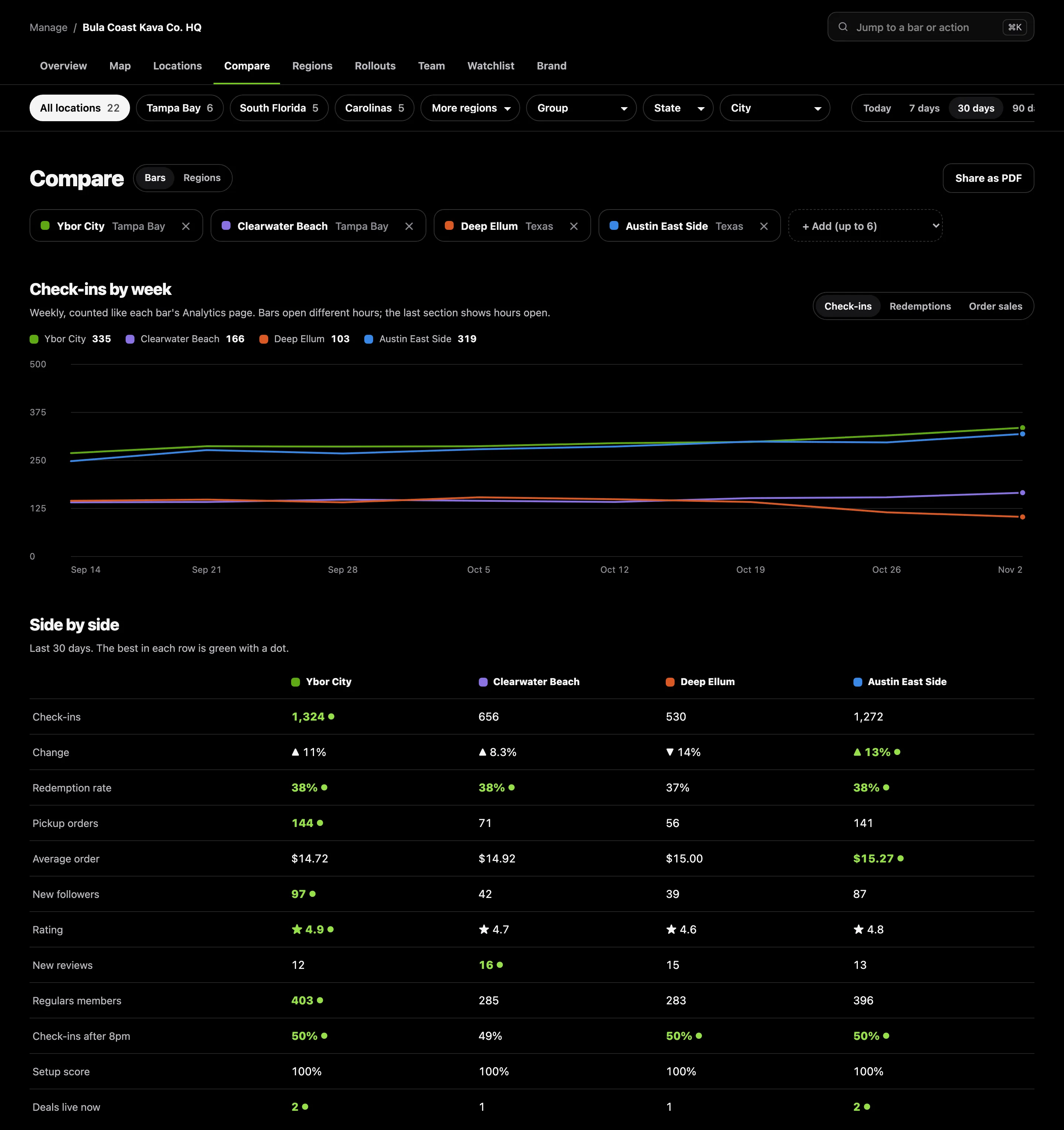
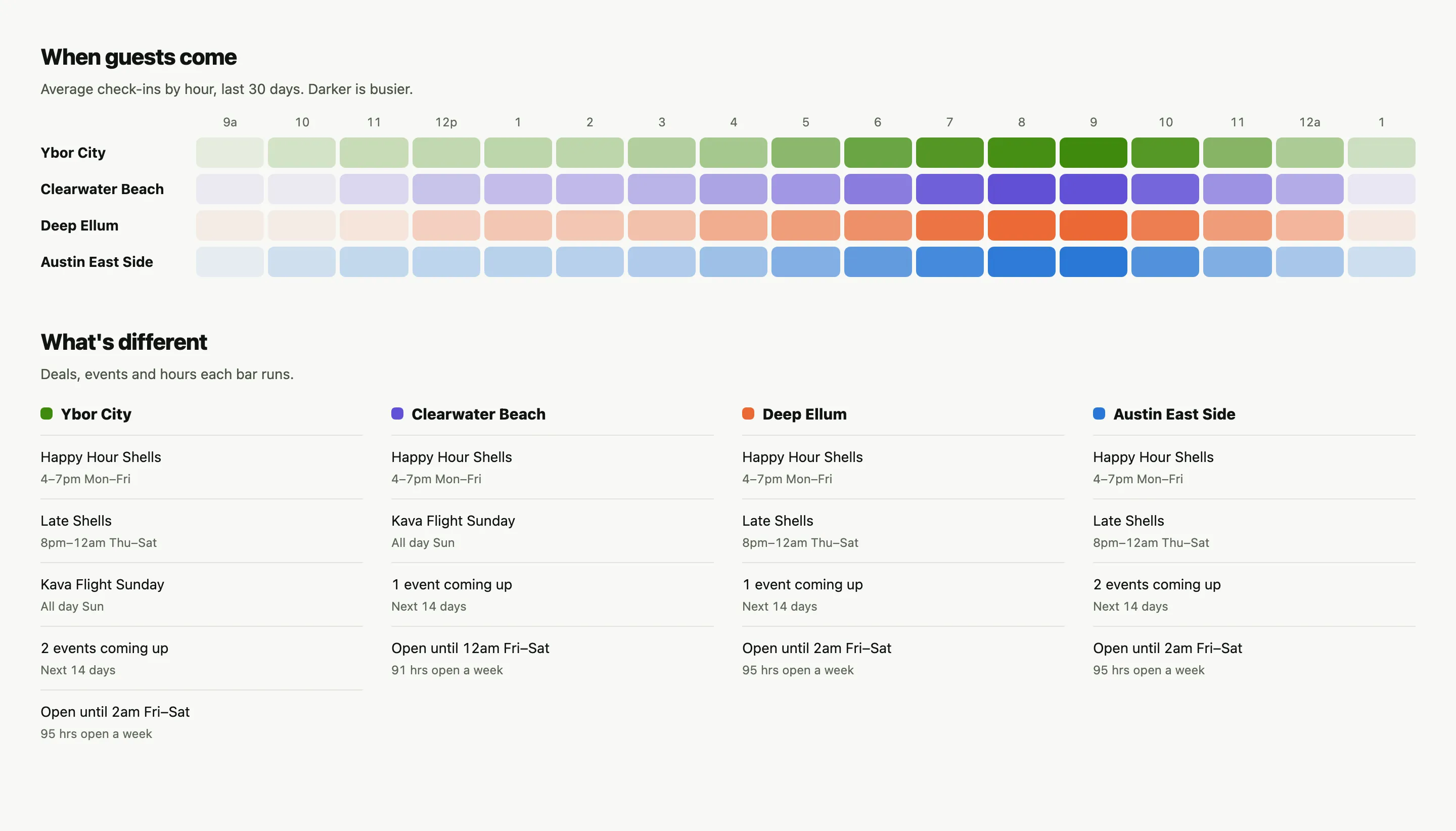
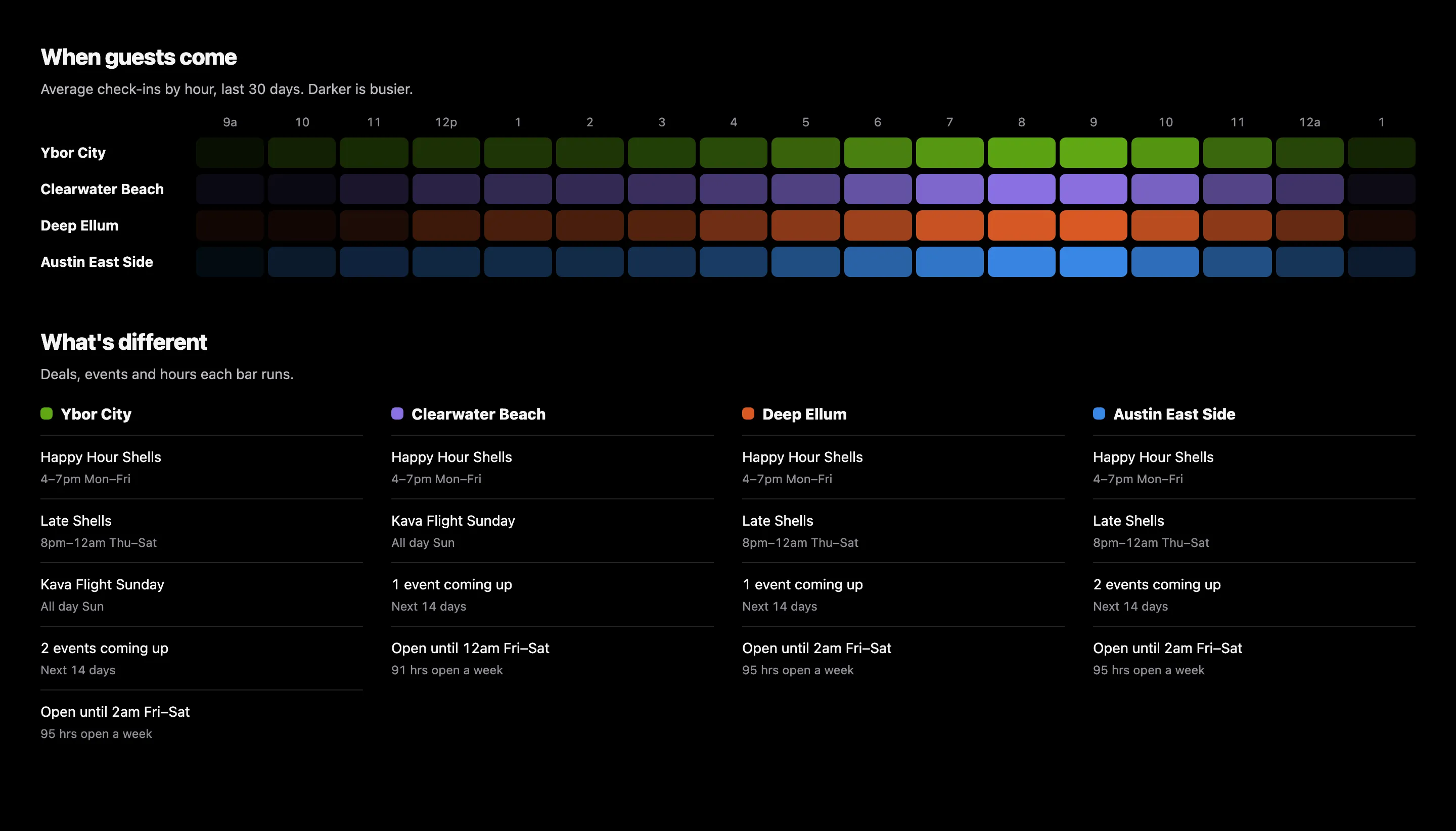
Put up to 6 bars or regions side by side: a trend line for each, the best in every row marked, when guests come by the hour, and the deals and hours each one runs.
Start anywhere
From the leaderboard, the map, the list or a needs-attention item.
Turn it into a fix
If one bar's deal works, copy it to the others in one step.
Share as PDF
Send a clean report to partners or investors.
Rollouts
Change it once.See it land everywhere.
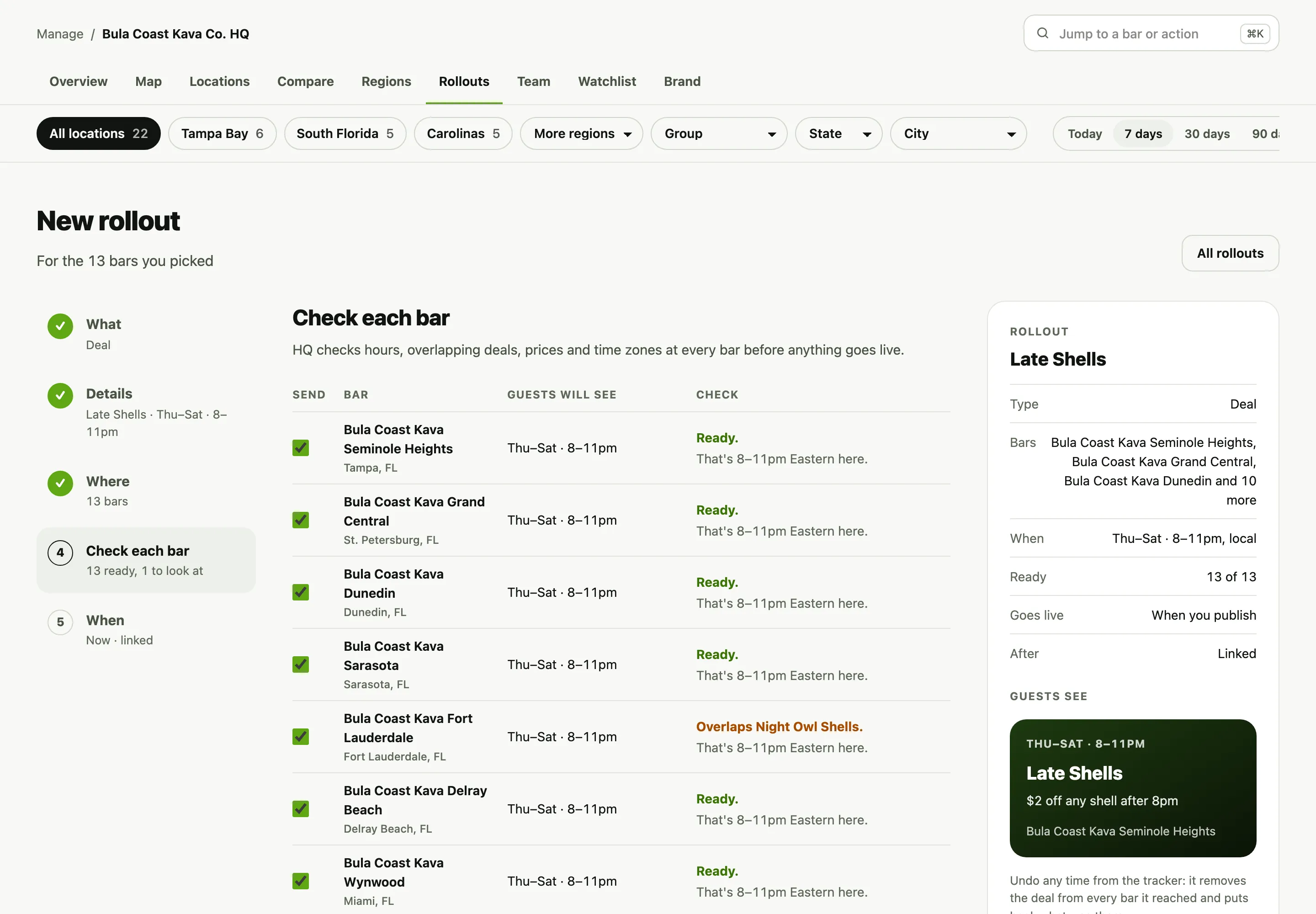
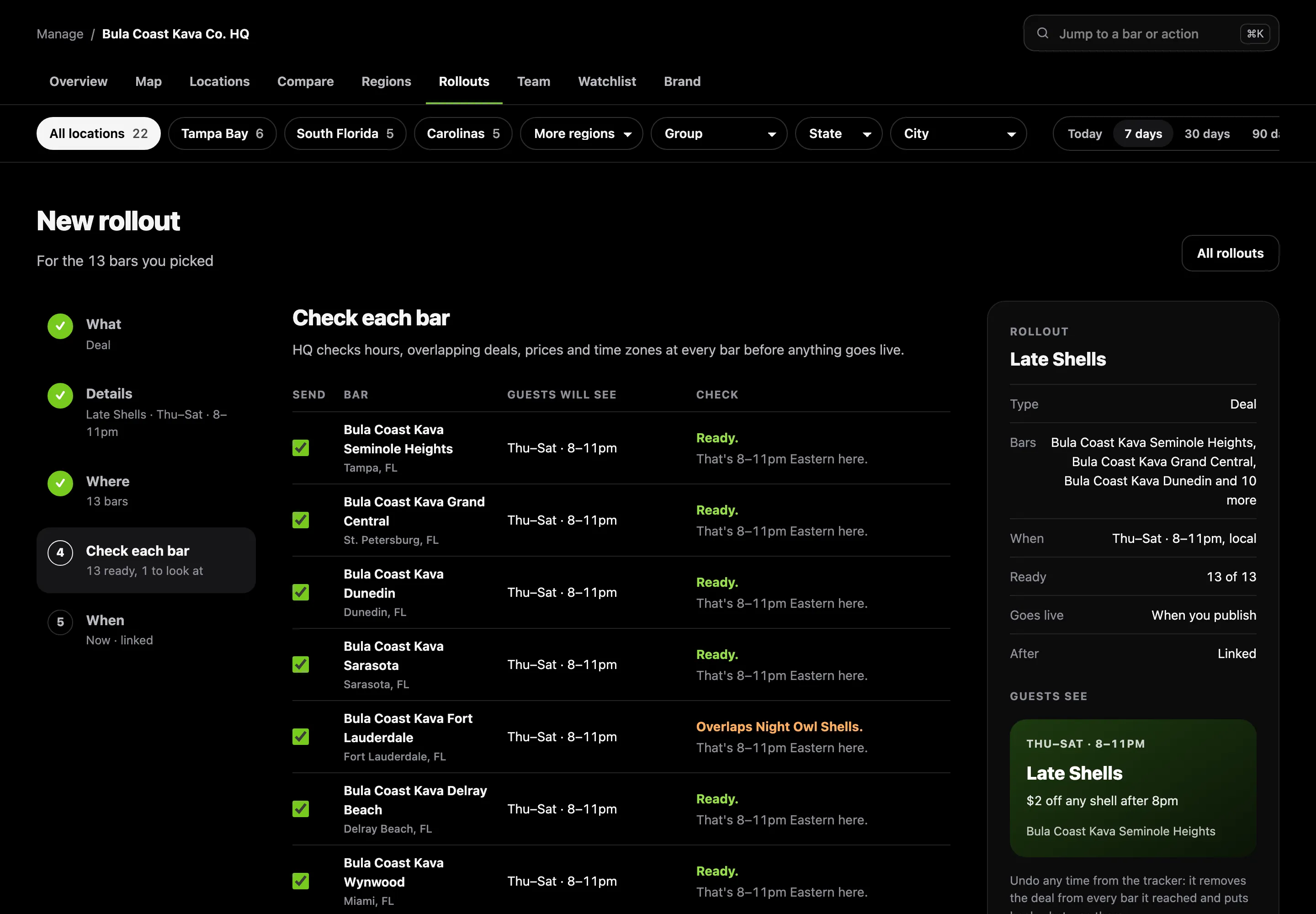
Send a deal, weekly hours, holiday hours, an event or your brand menu to as many bars as you choose. HQ checks each bar before anything goes live.
- 1
What
Deal, hours, holiday hours, event or brand menu, in the same editors a single bar uses.
- 2
Where
A region, a group or picked bars. HQ suggests others that fit.
- 3
Check each bar
What guests will see at each bar, with hours conflicts, overlapping deals, prices and time zones checked.
- 4
When
Publish now or schedule it. Keep it linked, or send a one-time copy.
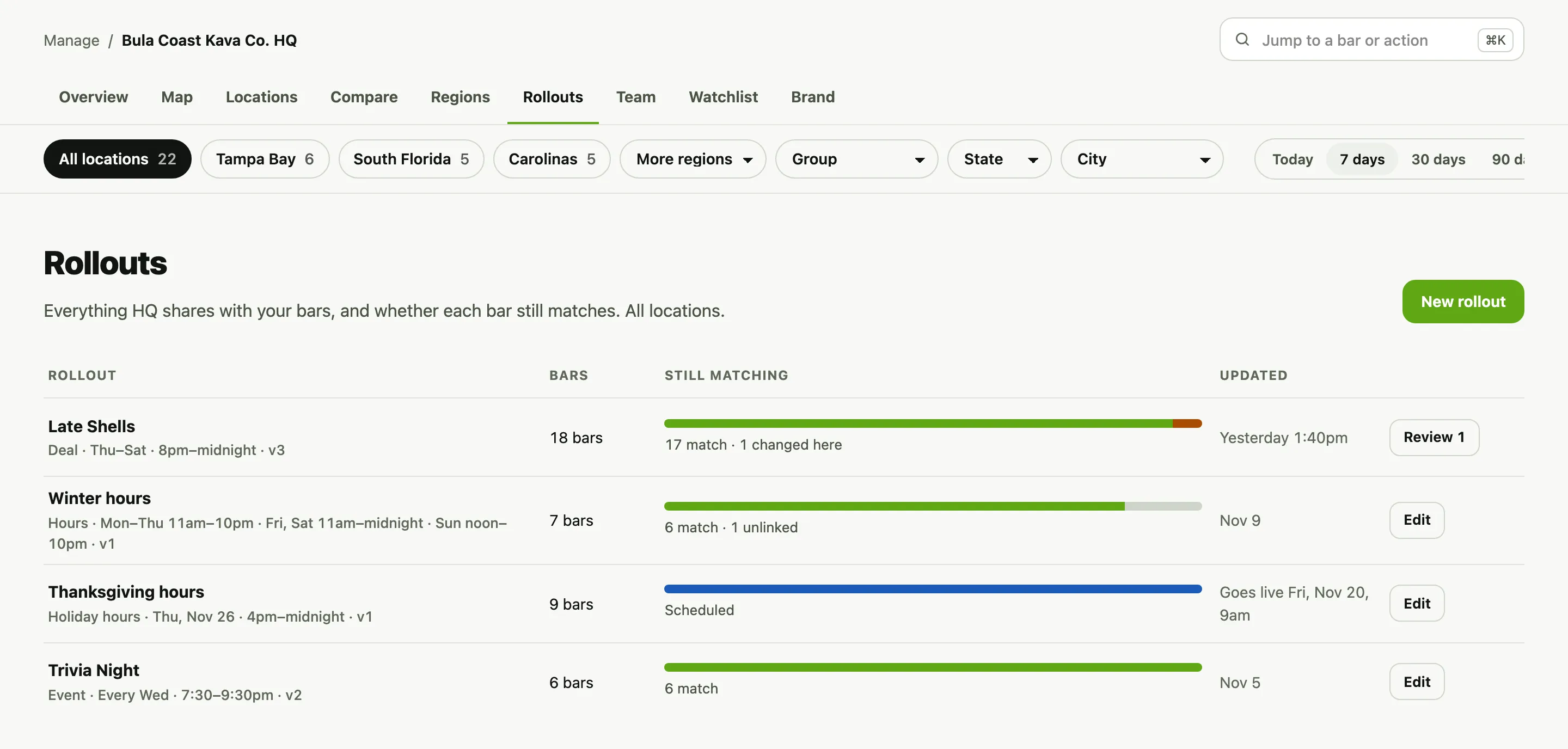
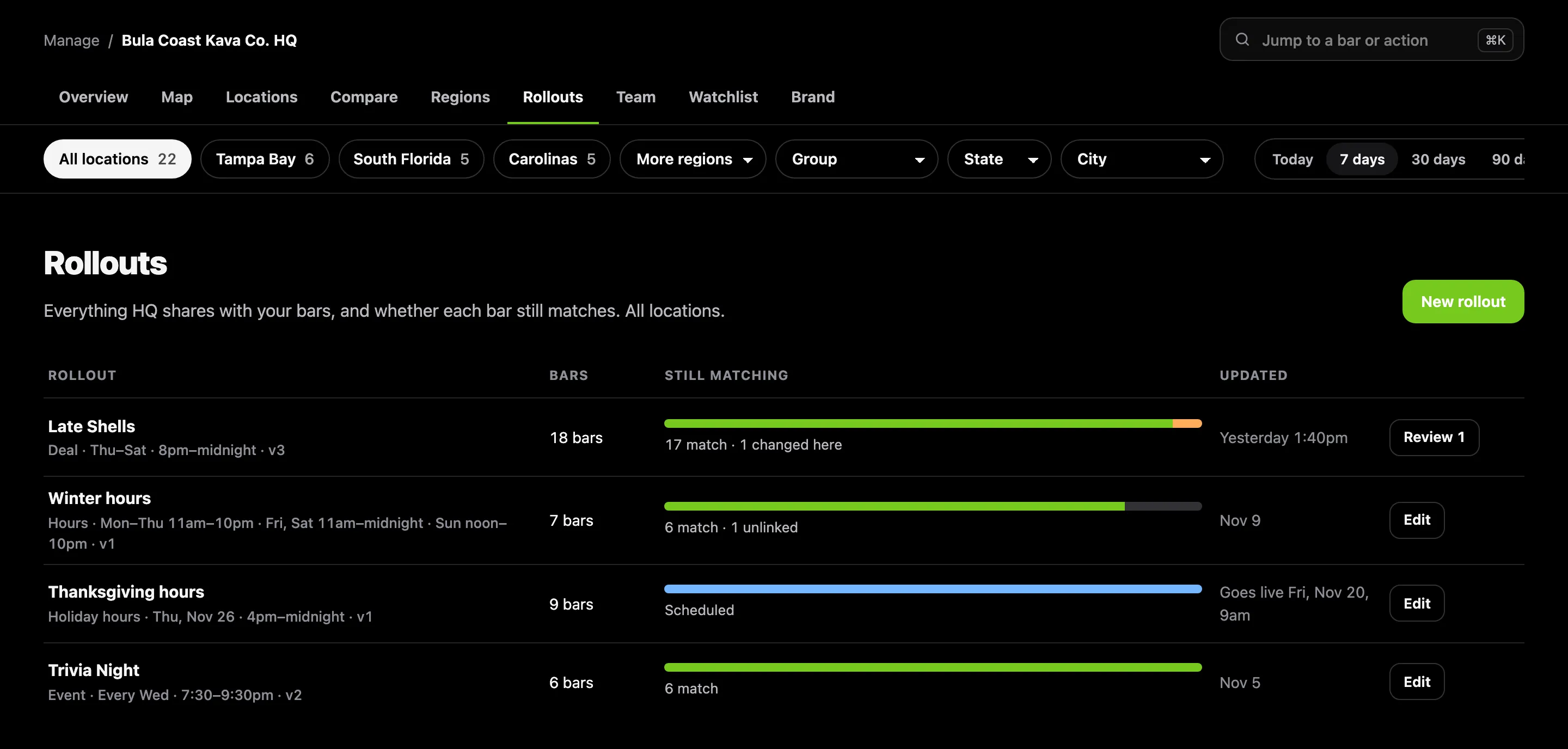
The tracker
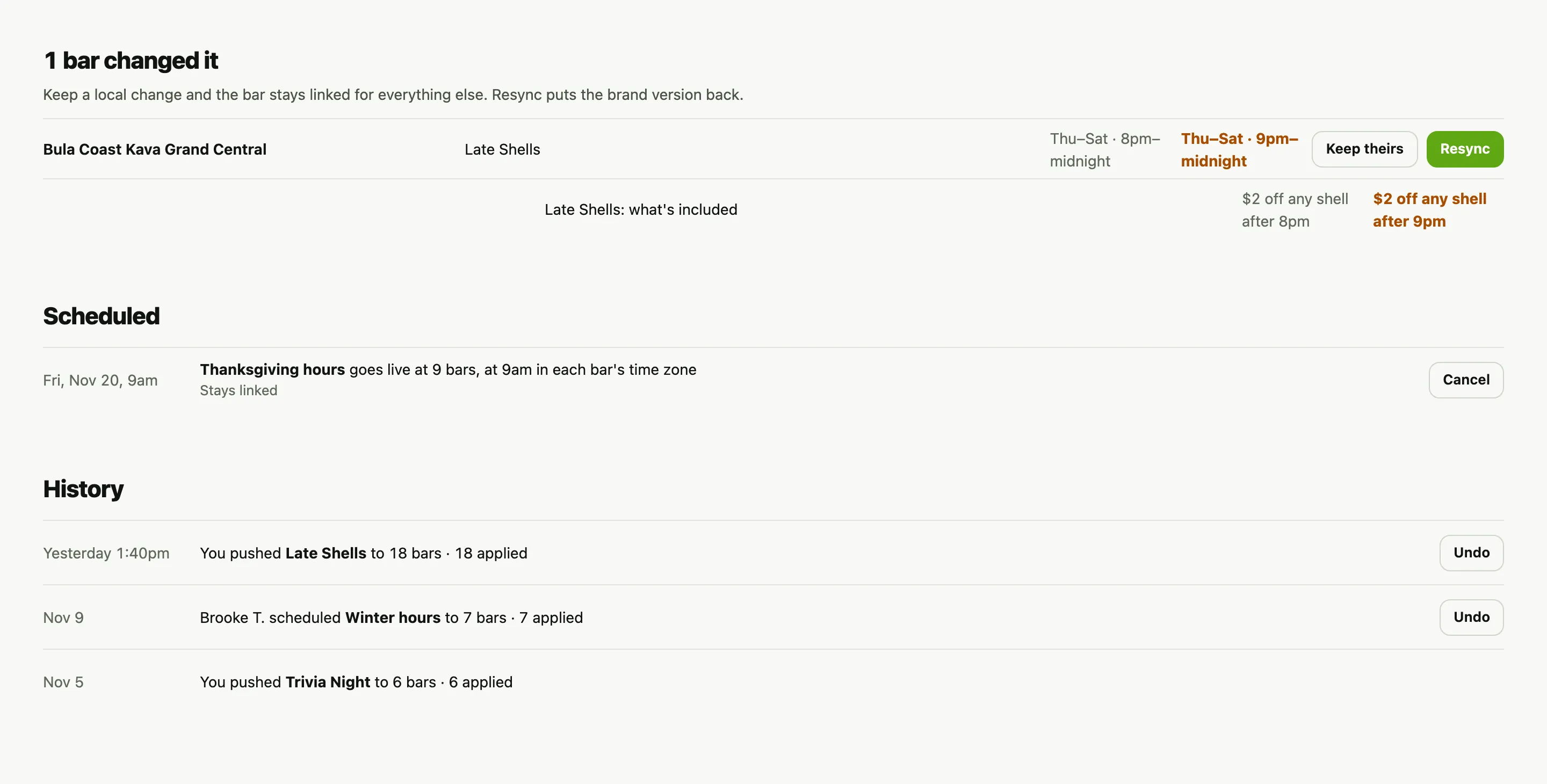
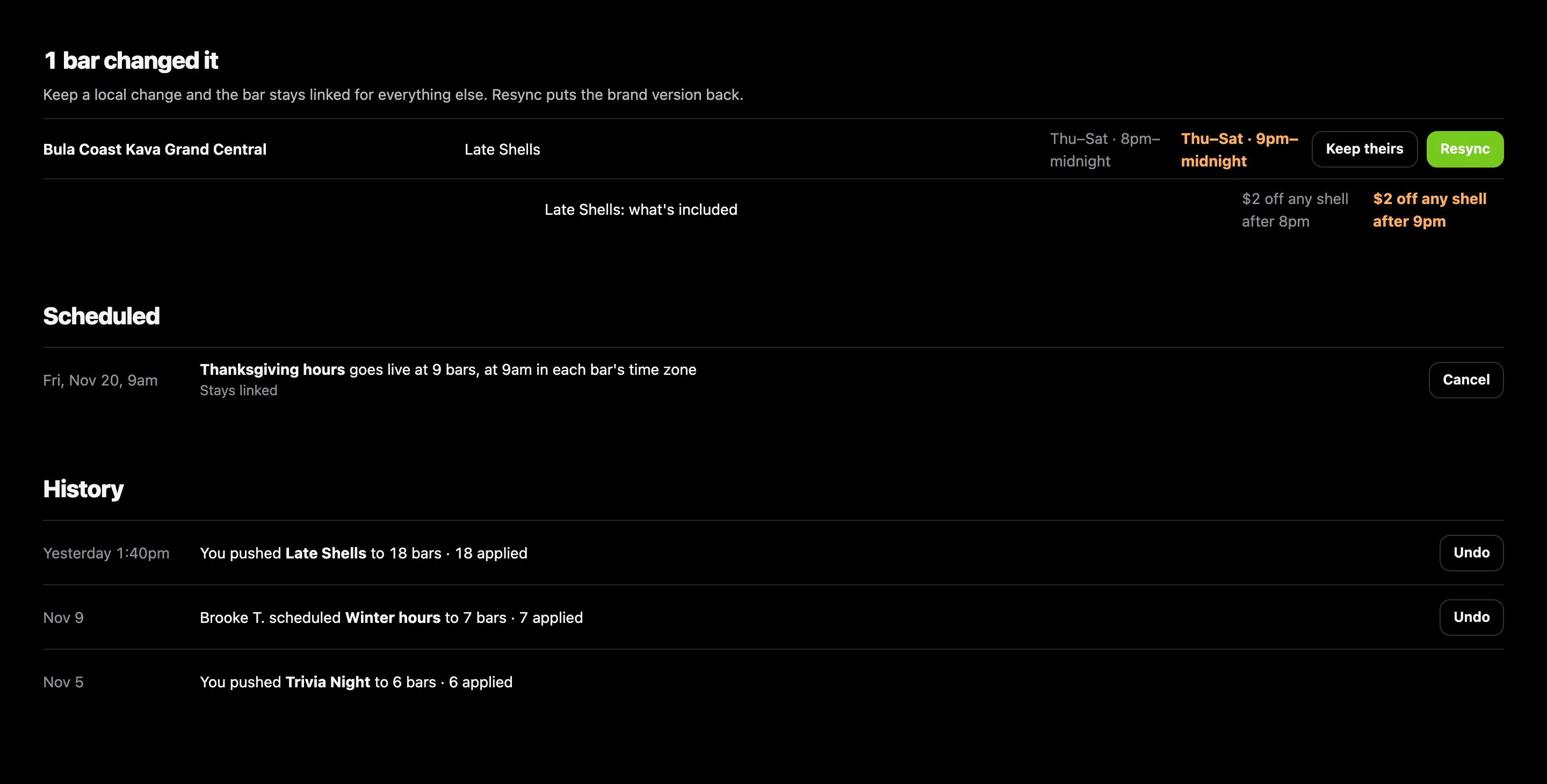
Every rollout shows which bars still match, which changed it locally and which unlinked. See what changed and choose Keep theirs or Resync. Undo a whole rollout any time.
Deals keep each bar's own prices, and 8pm in a Texas rollout means 8pm Central.
Regions and groups
Run Florida apart from Texas,with someone in charge of each.
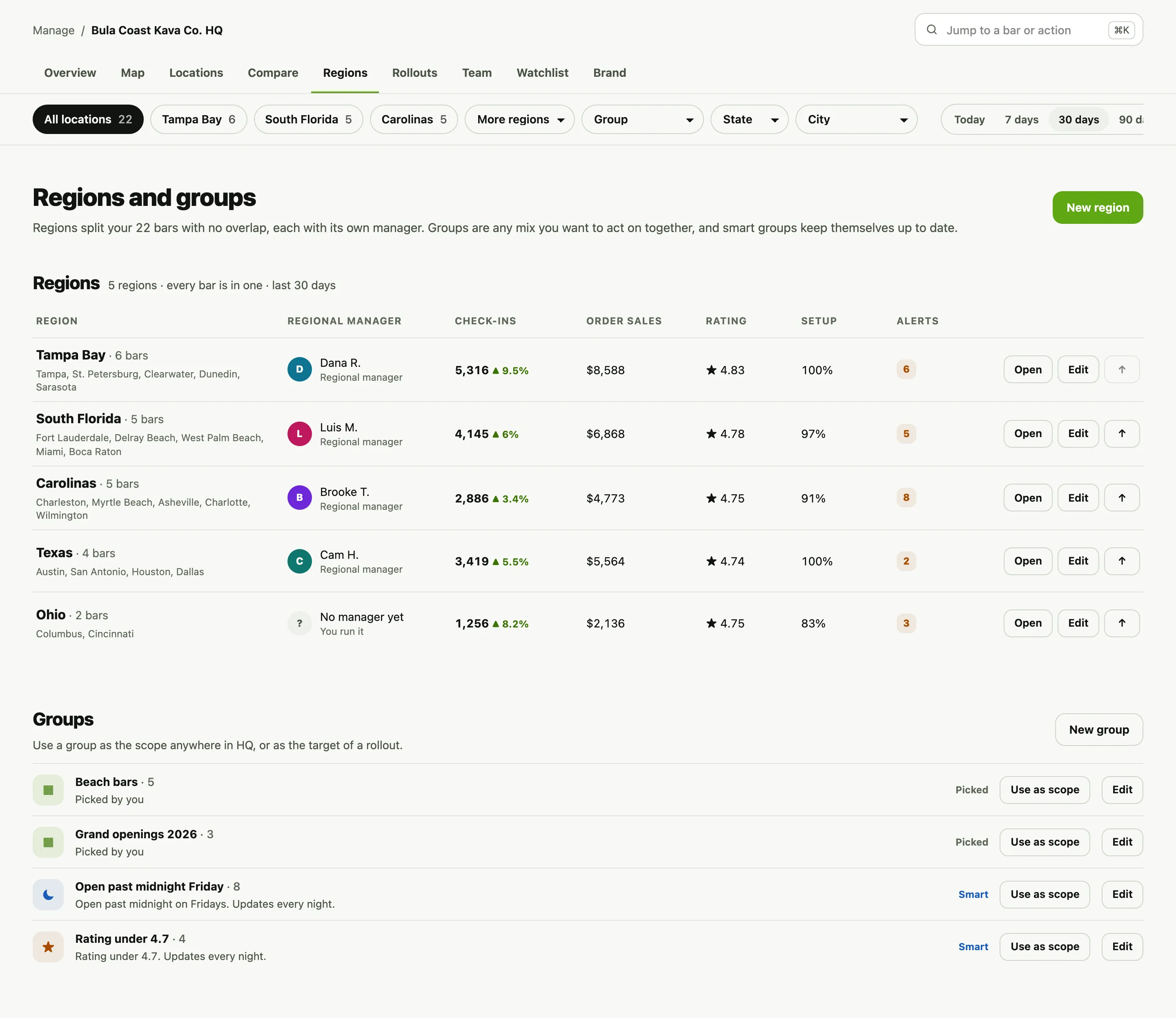
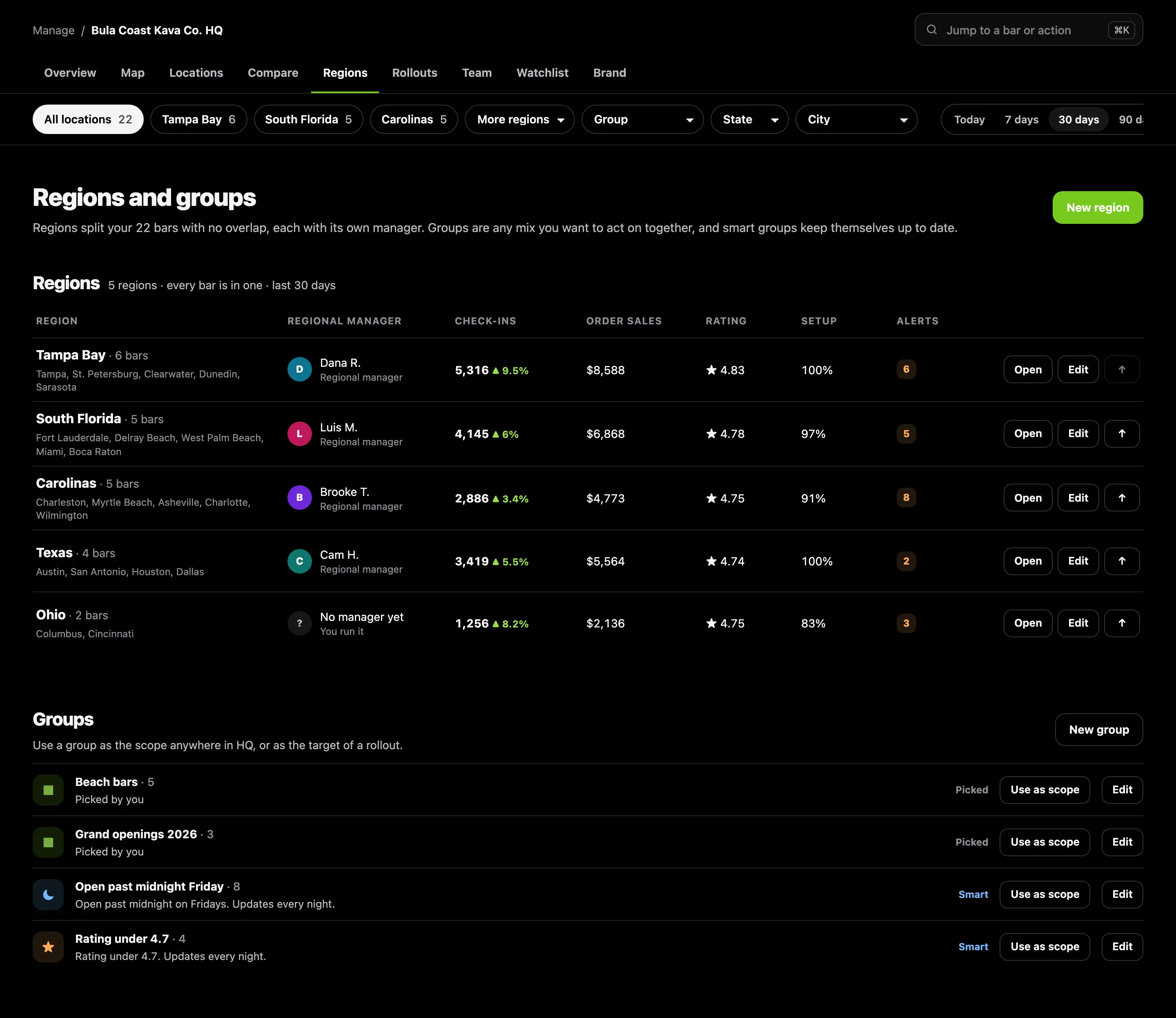
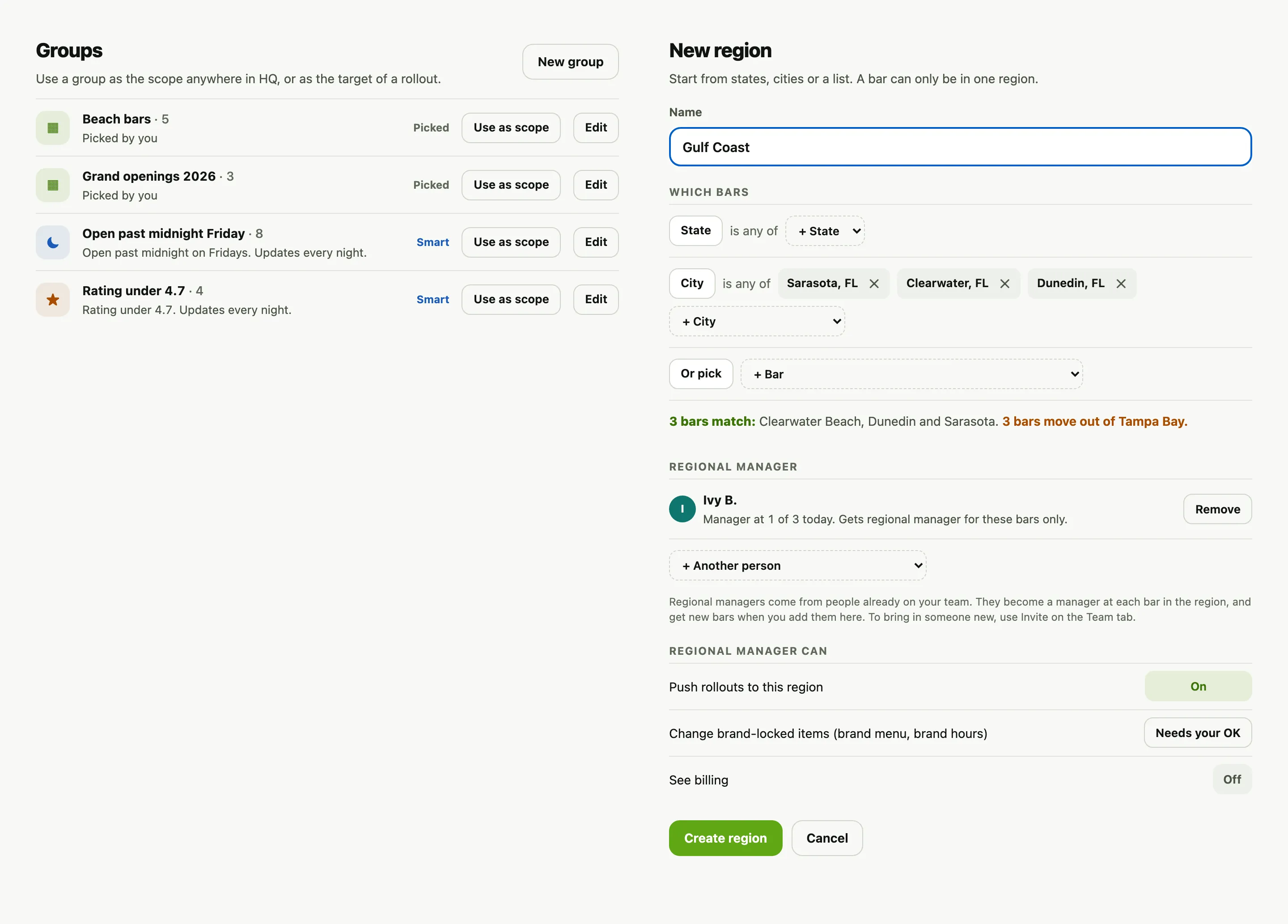
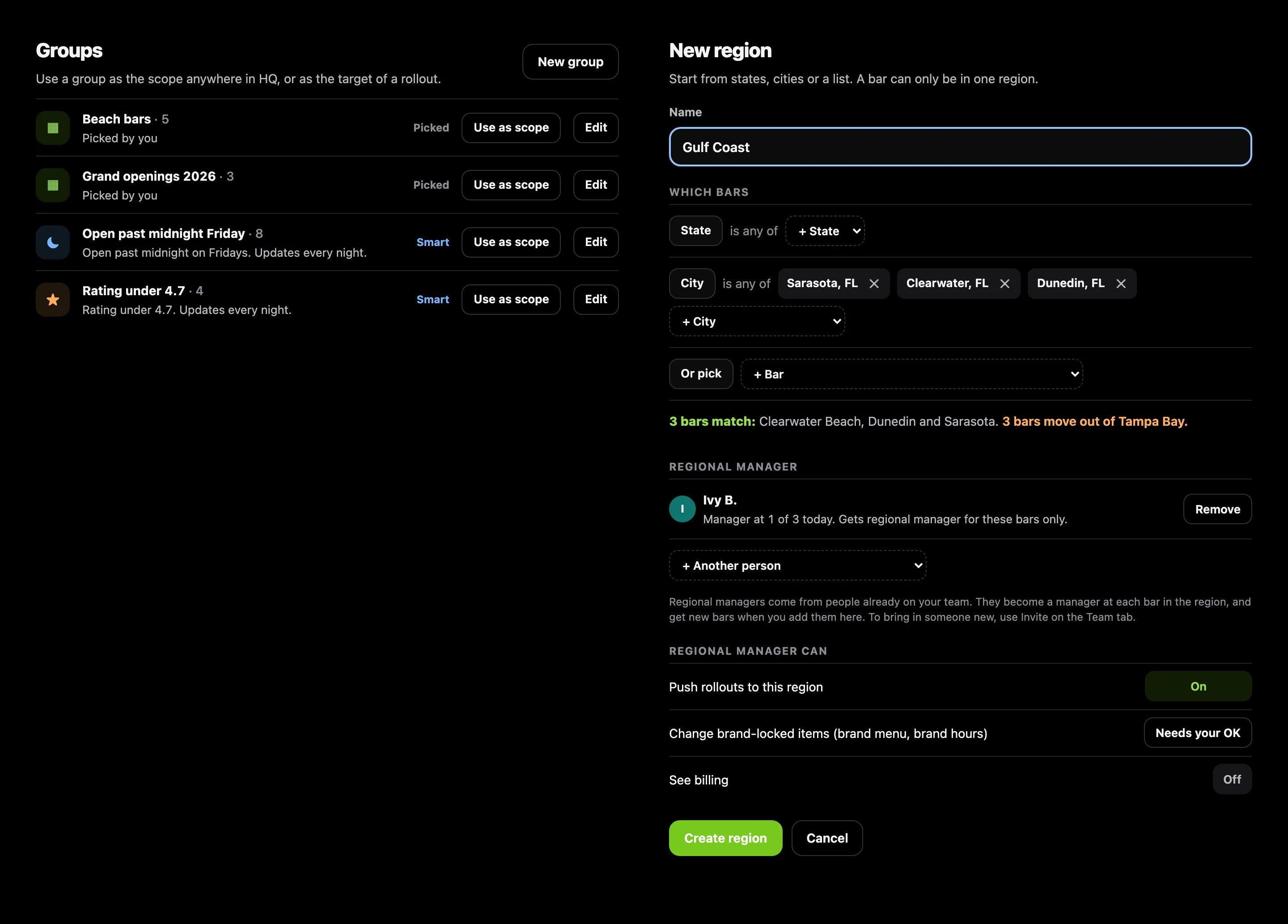
Regions split your bars with no overlap, each with its own regional manager. On first open, HQ suggests regions by state. Groups are any mix of bars you want to watch together.
Regional managers
They see their region only, never billing, and push changes only where you let them.
Picked groups
Any bars you choose. Location sets from the Multi-Bar Manager show up here.
Smart groups
Rules like rating under 4.7, setup under 70% or open past midnight on Fridays. They update every night.
Team
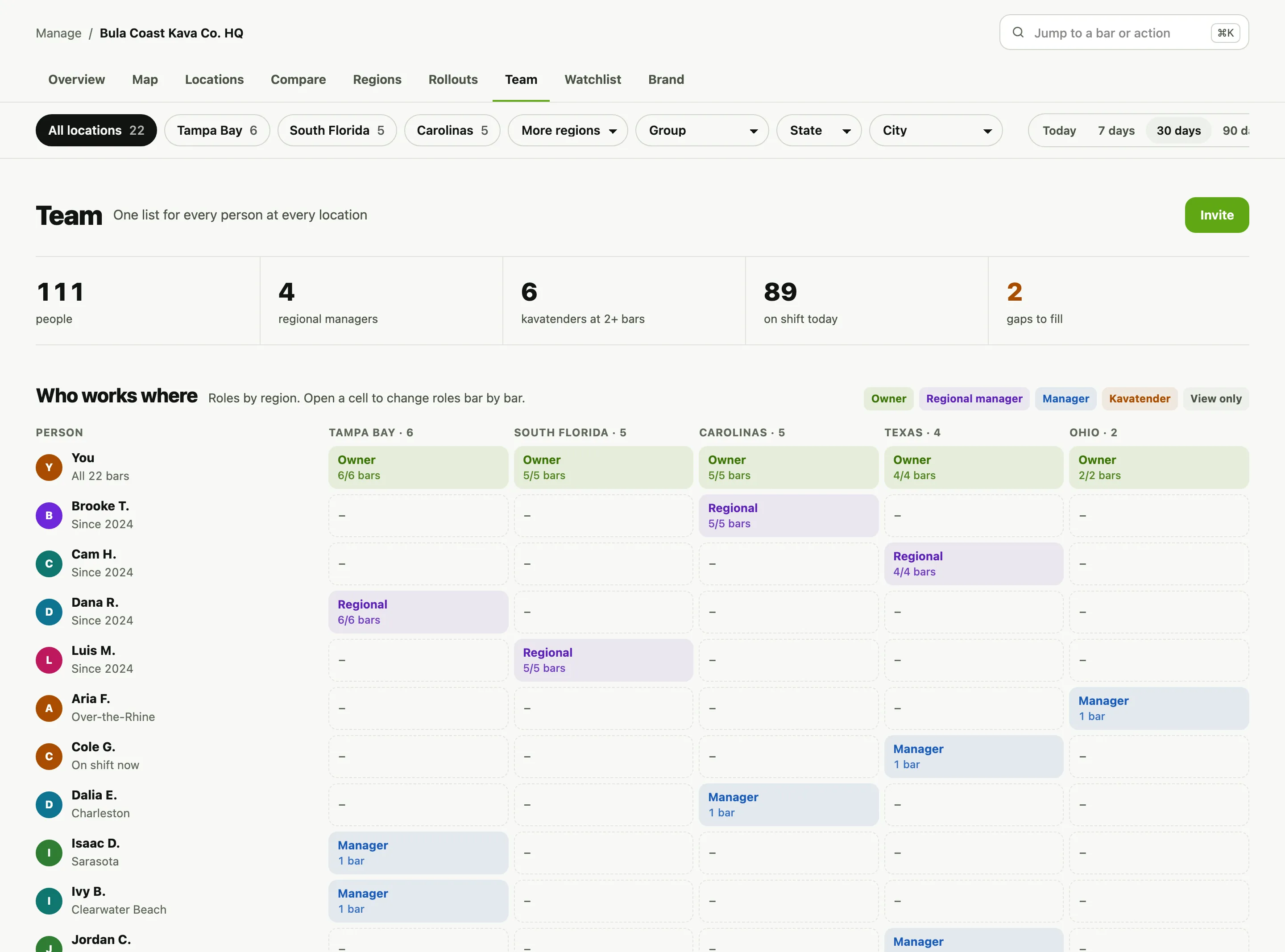
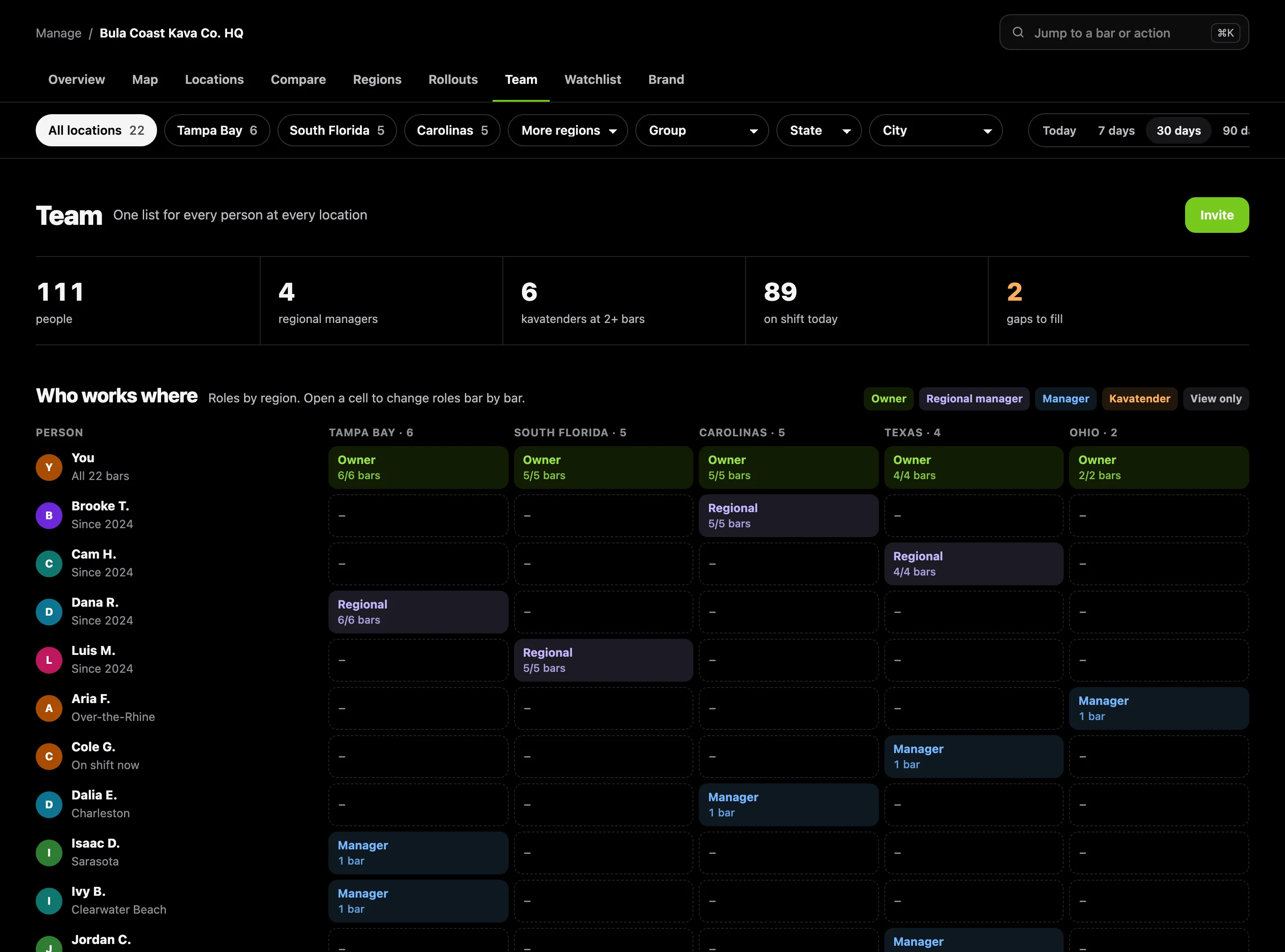
Who works where,and where you're short.
See everyone by location, with regional managers and the kavatenders who work at 2 or more bars. HQ points out bars with no manager and invites stuck for a week.
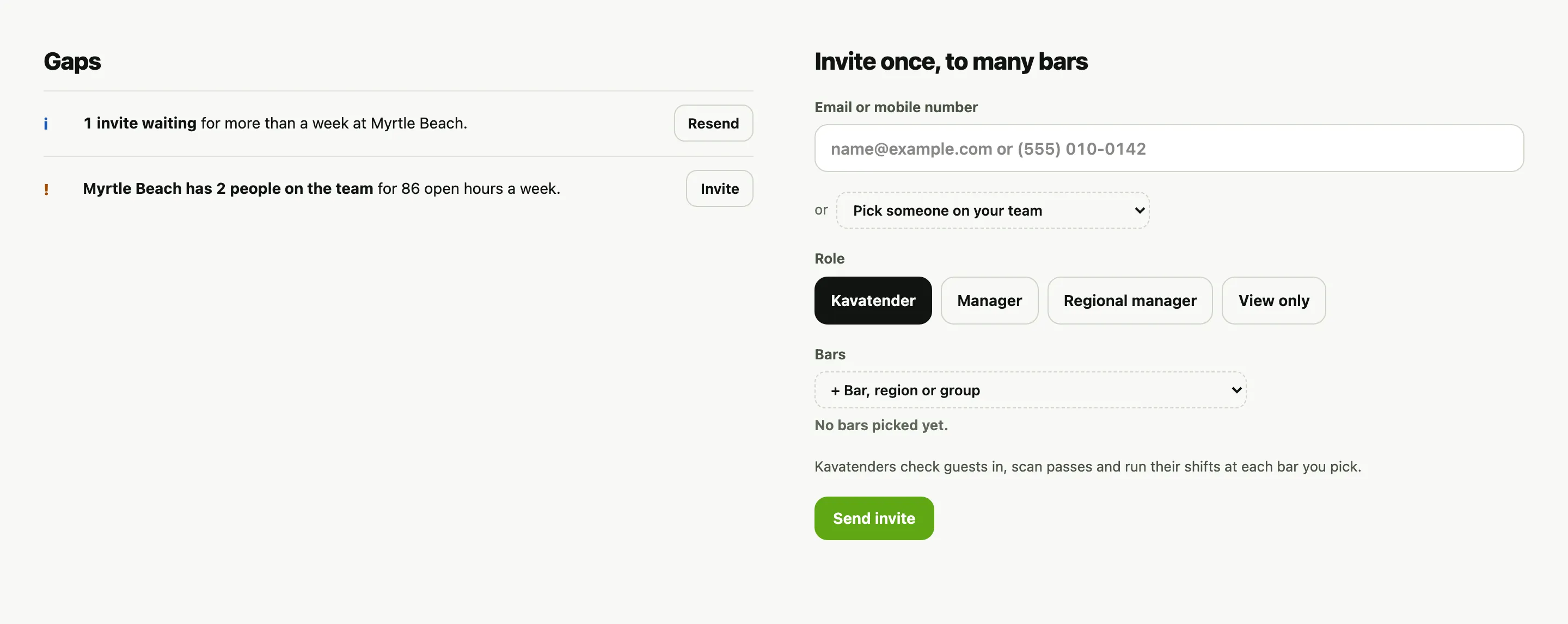
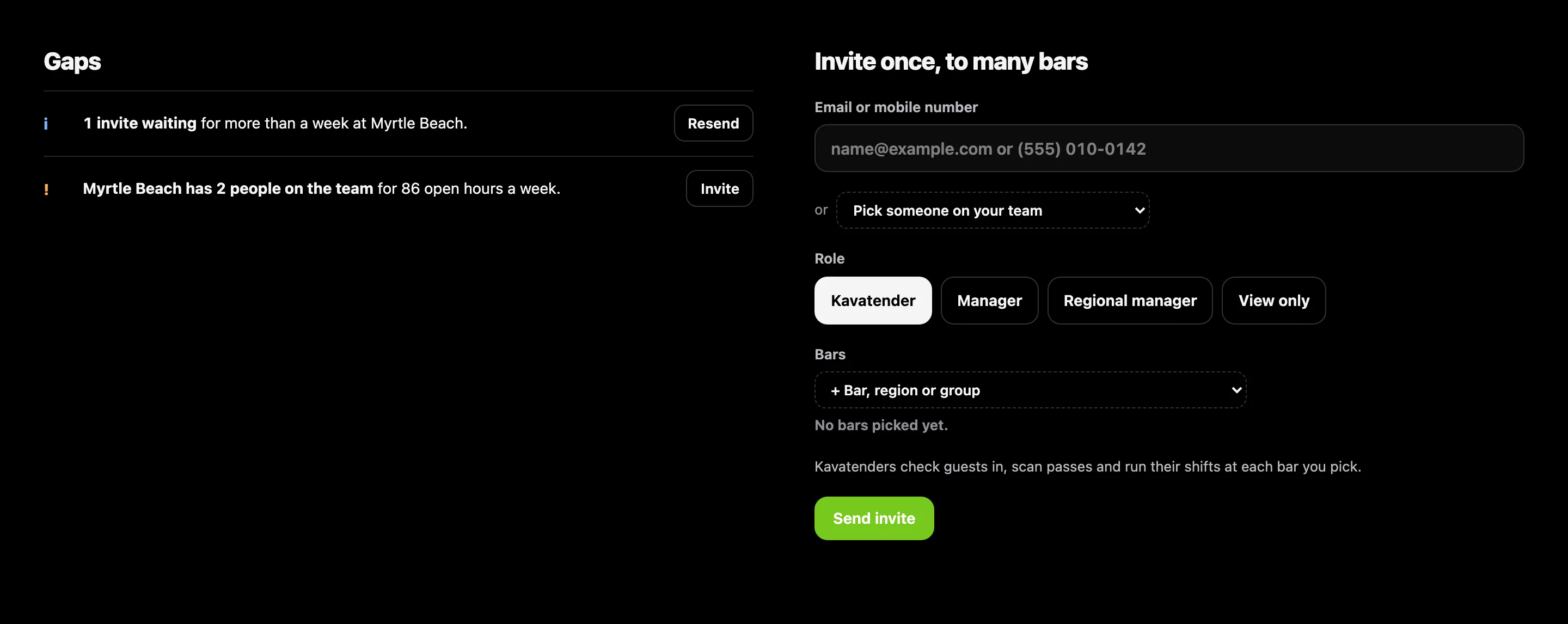
Invite once, to many bars
Pick a role and the bars, a region or a group. Done.
Change roles bar by bar
Open anyone to see and edit their role at each location.
Watchlist and the Monday digest
HQ keeps watchso you don't have to.
Set a rule once: when a number changes at a scope, tell the bar's manager, the regional manager or you, by push or email. An alert can go to the bar's manager first and reach you only if nothing changes.
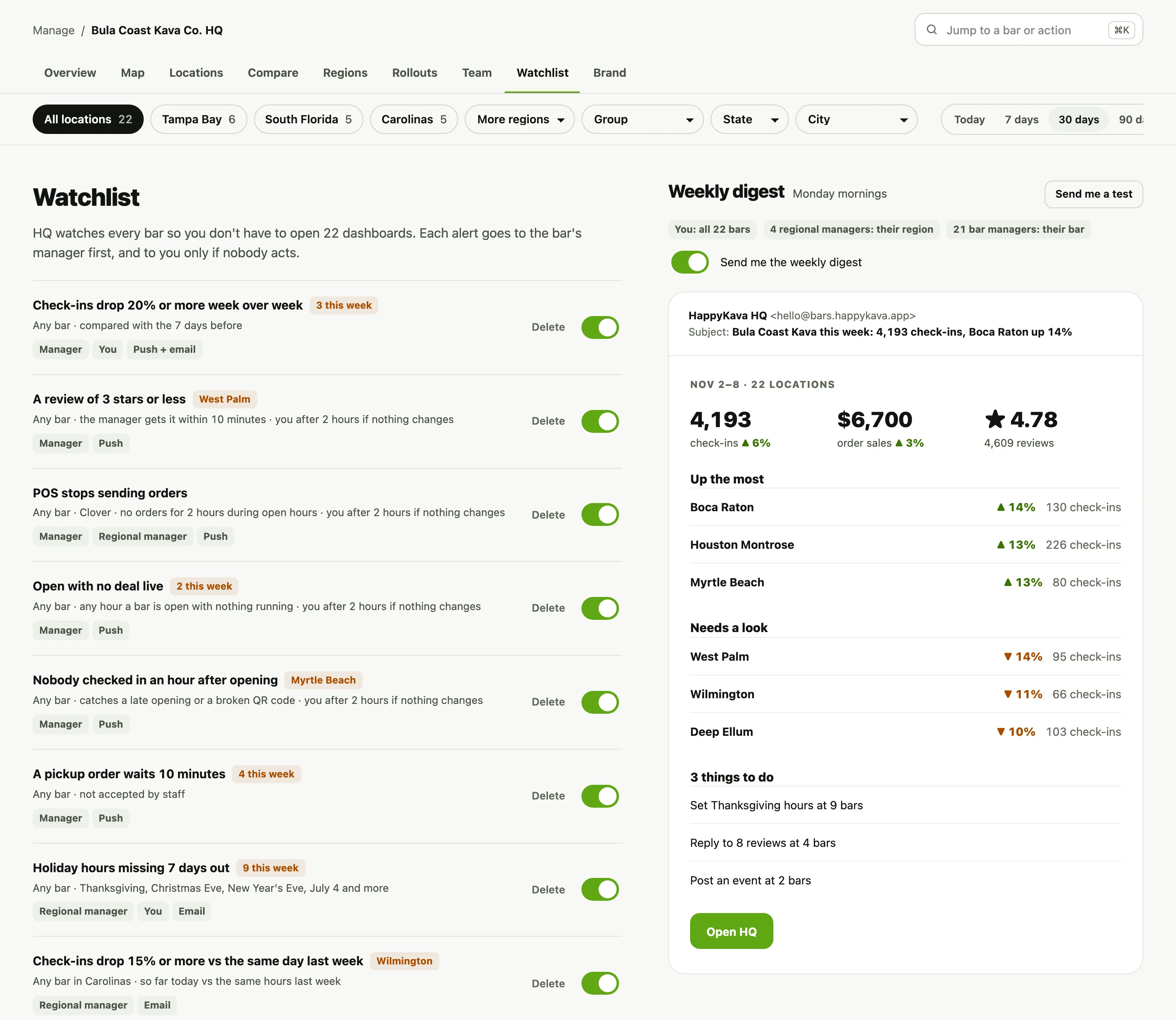
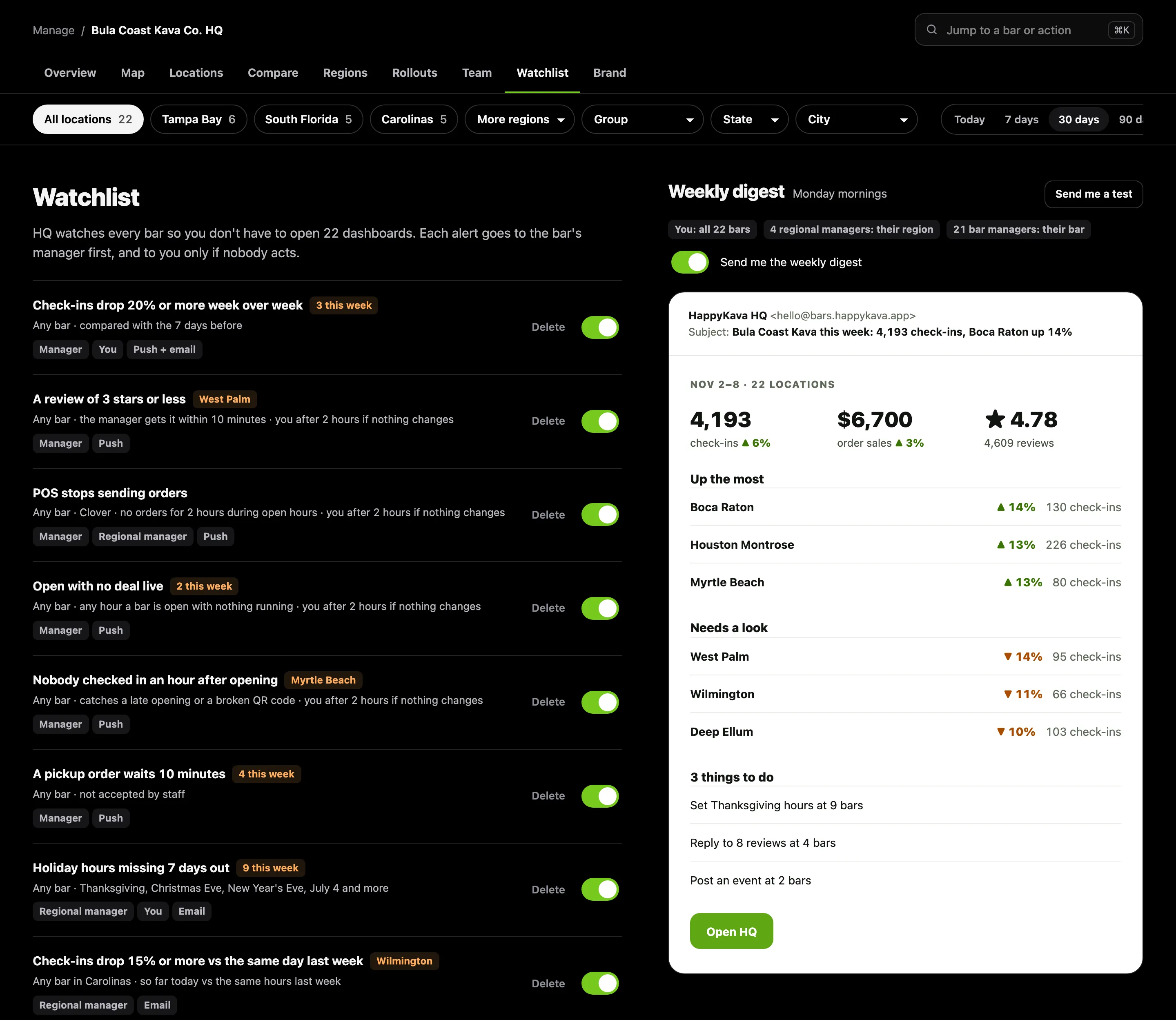
- Check-ins drop 20%
- A review is 3 stars or less
- A bar is open with no deal live
- No check-ins an hour after opening
- A pickup order waits 10 minutes
- Holiday hours are missing 7 days out
Every Monday at 8am
One email with the headline numbers, the bars up the most, the ones that need a look and three things to do. You get every bar, regional managers get their region, bar managers get their bar.
Brands and franchises
One brand,many owners.
Run a franchise or a licensed brand? The Brand tab gives you network totals, invites and join requests, and brand templates franchisees can adopt. Each franchisee decides whether the brand sees their own numbers.
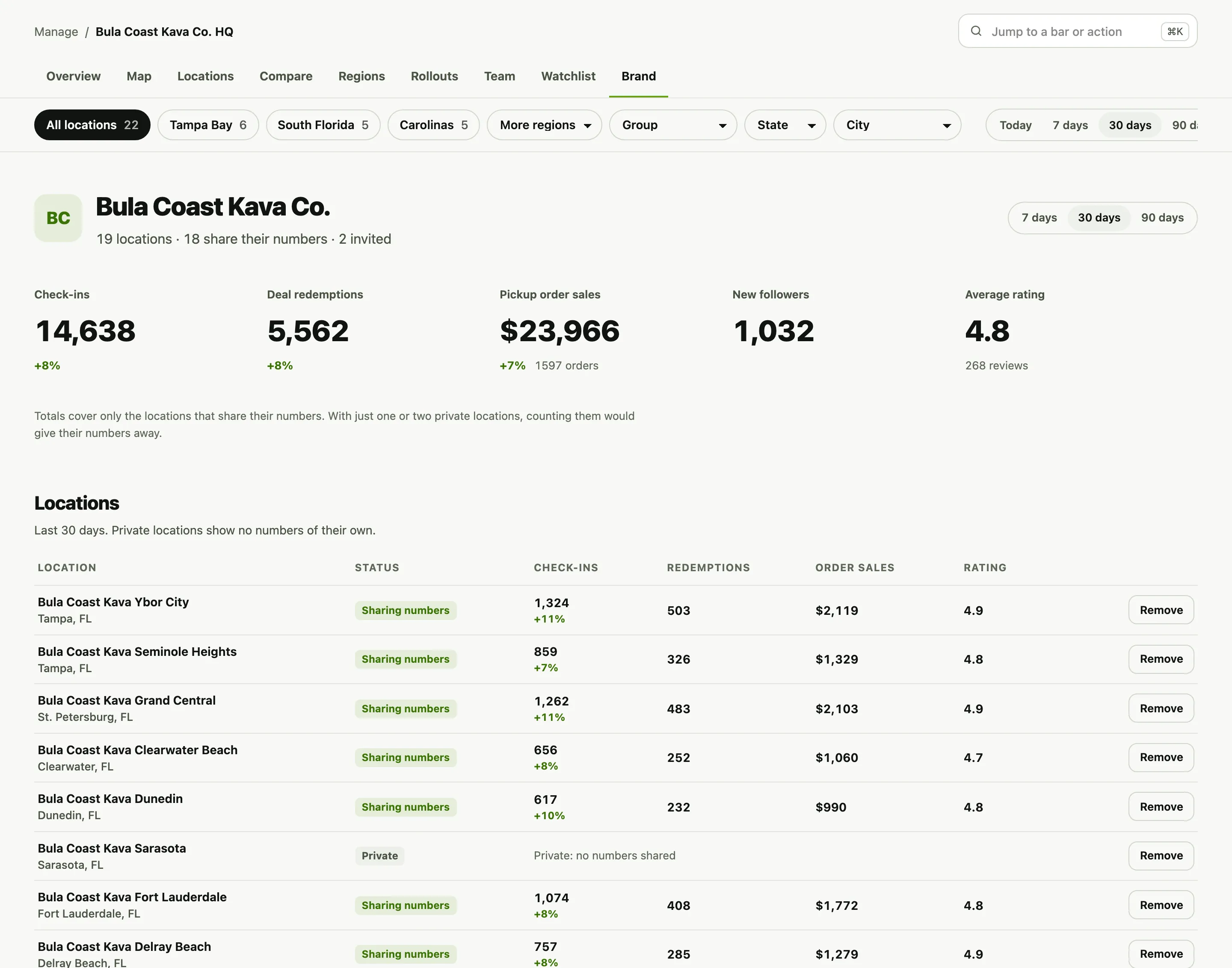
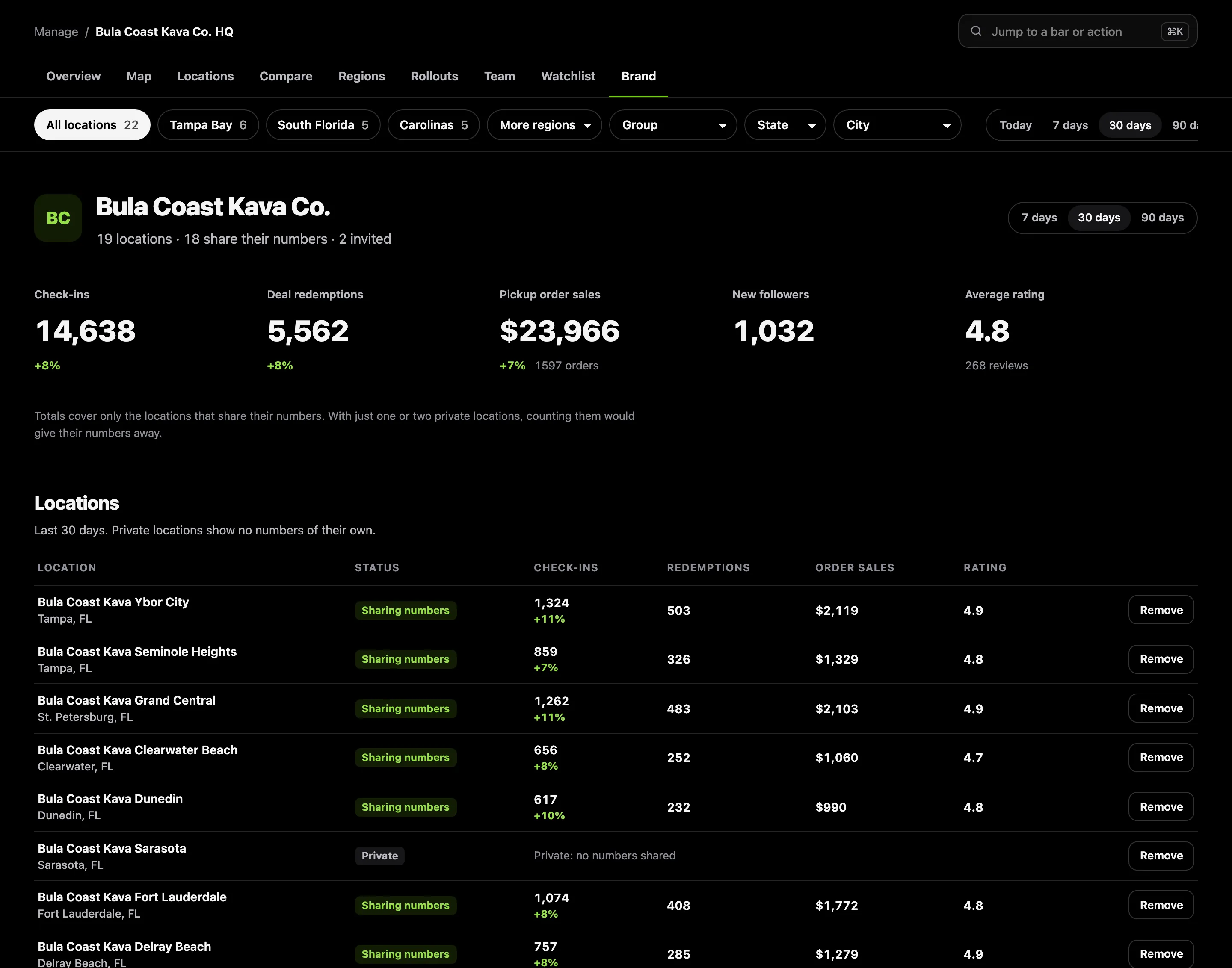
Private stays private
While some locations keep their numbers to themselves, brand totals cover only the ones that share, so nobody can work them out.
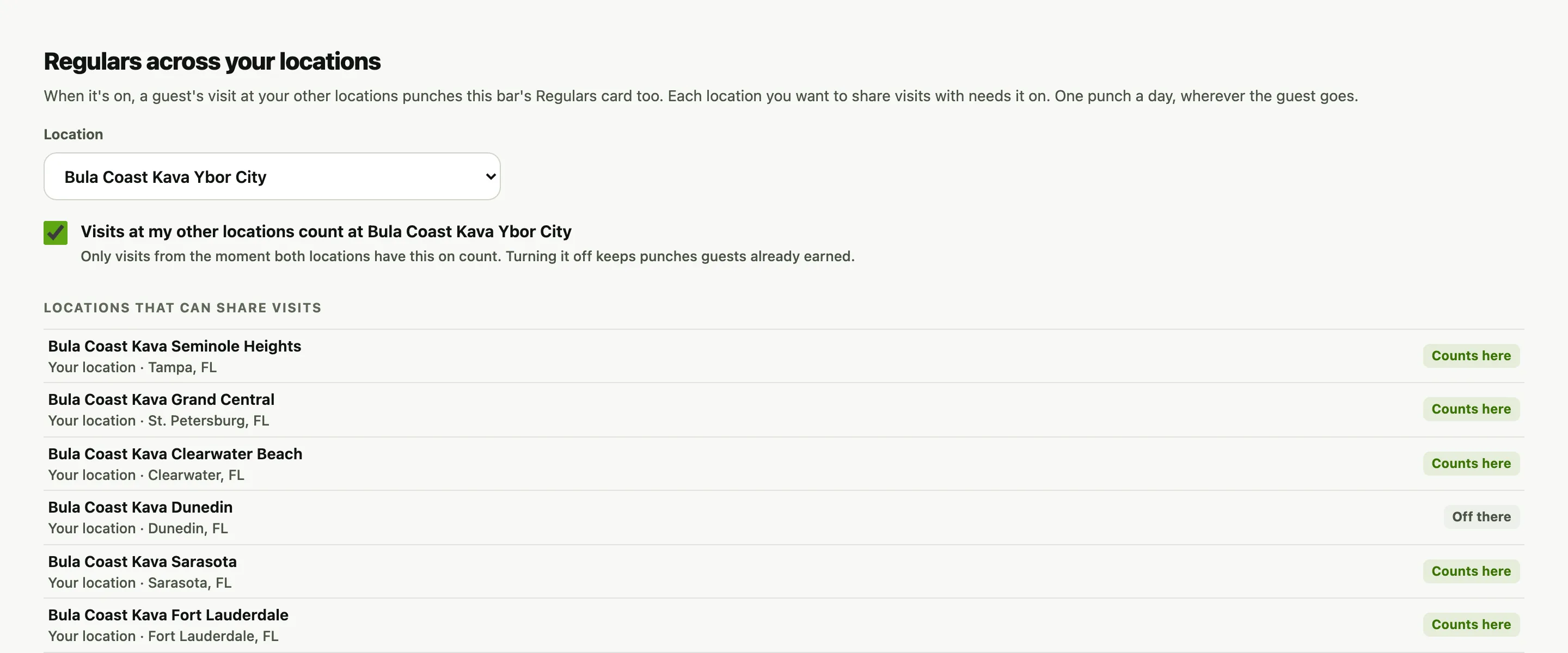
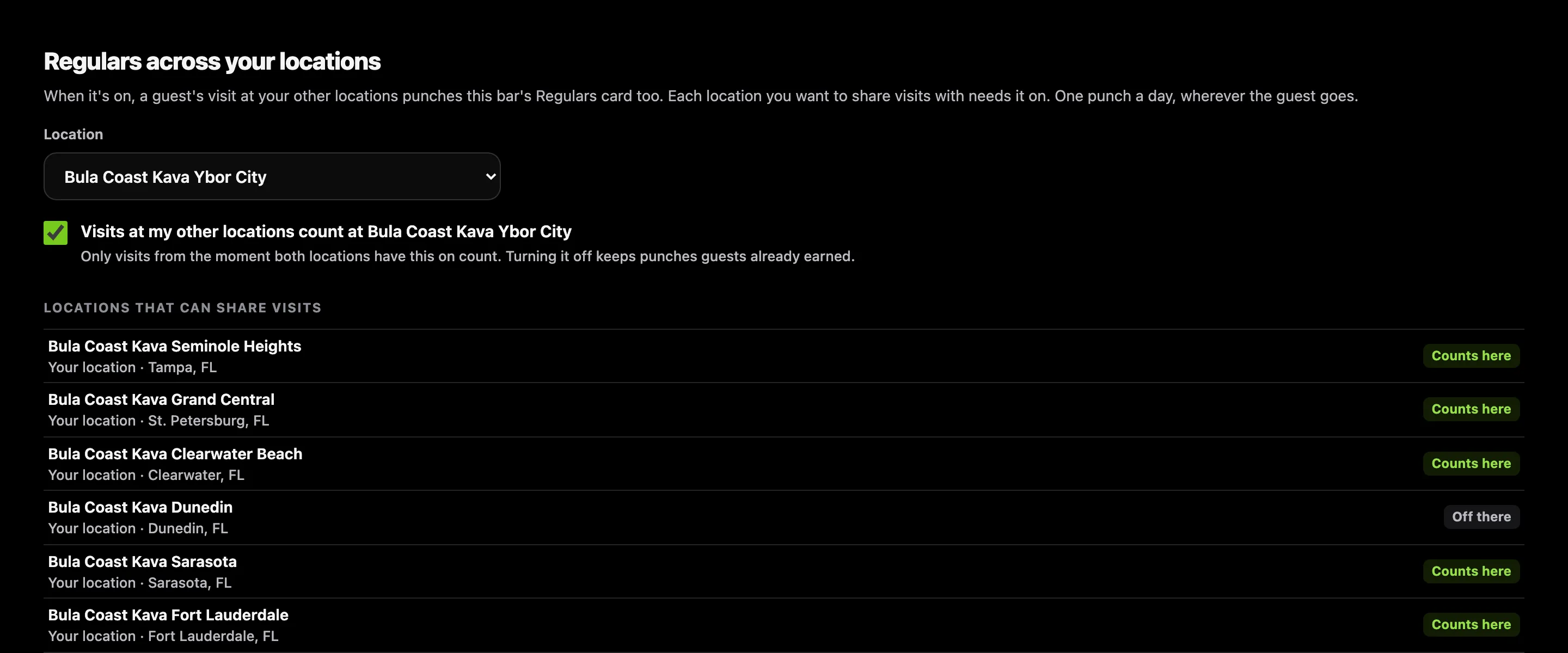
Regulars across locations
A visit at any of your locations can punch the card at the others, one punch a day. Each bar chooses to join.
Who gets what
See everything free.Run it at scale on Pro.
Seeing the whole business is free once you manage 2 or more locations. The tools for running many bars at once need 3 or more locations on Pro.
Free with 2 or more locations
- Overview, Now and every range
- Needs attention and the leaderboard
- Map and Locations
- Compare 2 bars side by side
- Look around Regions and the rollout tracker
- The Brand tab and Regulars across locations
- HQ in the app
With 3 or more locations on Pro
- Rollouts, scheduling and undo
- Compare up to 6 bars or regions
- Save regions and groups
- Regional managers
- Invite to many bars at once
- Watchlist alerts and the Monday digest
Owners with 2 or more bars get HQ on Work Home in the HappyKava app: switch between all bars, a region or one bar, see what's live now and four numbers for the week, and fix what needs you in one tap. Set holiday hours at many bars at once.
Pricing
Every location after the firstcosts less.
- All your locations share one website that lists every location, and one Bula Rush level for your brand.
- Already paying for Pro at one location? It counts as your first, so every location you add gets the lower price.
- Lifetime Pro covers one location. Your other locations use the prices above.
Getting started
Up and runningin an afternoon.
- 1
Claim your locations
Claim each bar, or book a walkthrough and we'll link them for you.
- 2
Open HQ
It shows up on Manage and in the bar switcher once you run 2 or more bars.
- 3
Confirm your regions
HQ suggests regions by state. Adjust them and add your regional managers.
- 4
Turn on the watchlist
Starter rules are ready. Send yourself a test of the Monday digest.
Questionsowners ask.
Who can use HQ?
Any approved owner or manager with 2 or more locations on HappyKava. It's free. Rollouts, comparing more than 2 bars, regions and groups, regional managers, inviting to many bars, alerts and the Monday digest need 3 or more locations on Pro.
Do HQ's numbers match each bar's own dashboard?
Yes. HQ counts check-ins, redemptions, orders and new followers the same way each bar's Analytics page does, so the totals add up. Today is compared with the same weekday last week, up to the same hour.
What happens if a bar changes something I rolled out?
The rollout stays linked, and the tracker marks that bar as changed here. You can see what changed, keep their version or resync it. You can also undo a whole rollout from the tracker.
How does HQ handle bars in different time zones?
Every deal, event and set of hours runs in each bar's own local time. A rollout that starts at 8pm starts at 8pm Eastern in Florida and 8pm Central in Texas.
What can a regional manager see?
Only the bars in their region, and never billing. They can push changes there only if you give them that permission.
Does HQ work for a franchise?
Yes. The Brand tab gives a franchisor network totals, invites and brand templates. Each franchisee owns their bar and chooses whether the brand sees its numbers.
I already use the Multi-Bar Manager. What changes?
HQ replaces it. Your saved location sets show up as picked groups, and anything you shared stays linked.
How much does it cost?
HQ itself is free. Your first location is priced like any Pro bar, and every other location costs less, with a lower price again from the 11th location.
Run every locationlike you're at each one.
Claim your bars free, then open HQ. Running 11 or more locations or a franchise? We'll walk you through it.