

Solutions
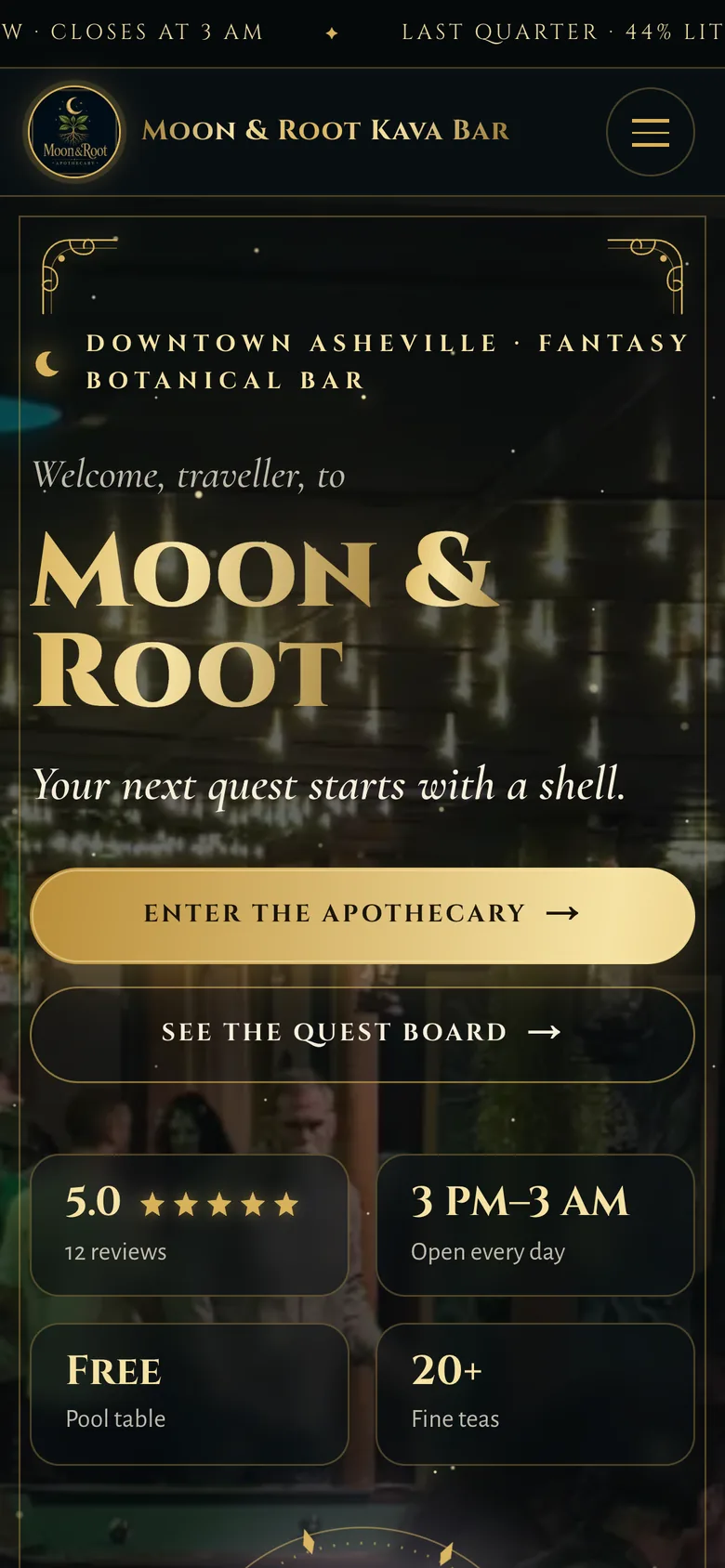
“Ten people deep, and everyone wants a shell.”
Take ordersahead.
The register is the slowest part of a busy night. Let guests order before they reach the counter, and let your team work from one queue.
Take orders ahead
Soundfamiliar?
“The line at the register is longer than the line for the pool table.”
“Guests keep asking, "Is my order ready?"”
“Delivery apps don't know what a shell is.”
Before and after
Whatchanges.
The usual way
Waiting in line just to order
With HappyKava
Guests order ahead from your menu in the app
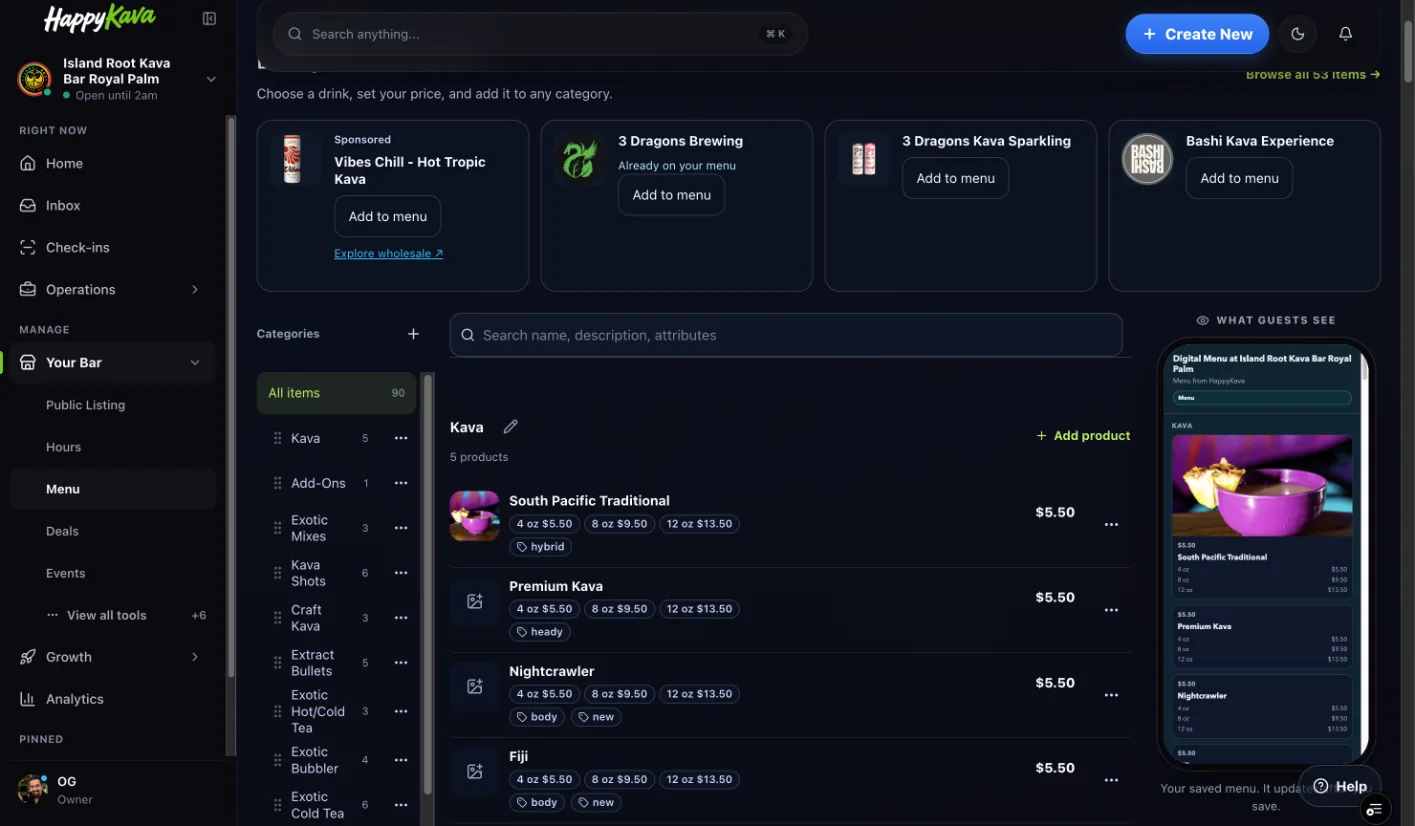
The usual way
"Is my order ready?"
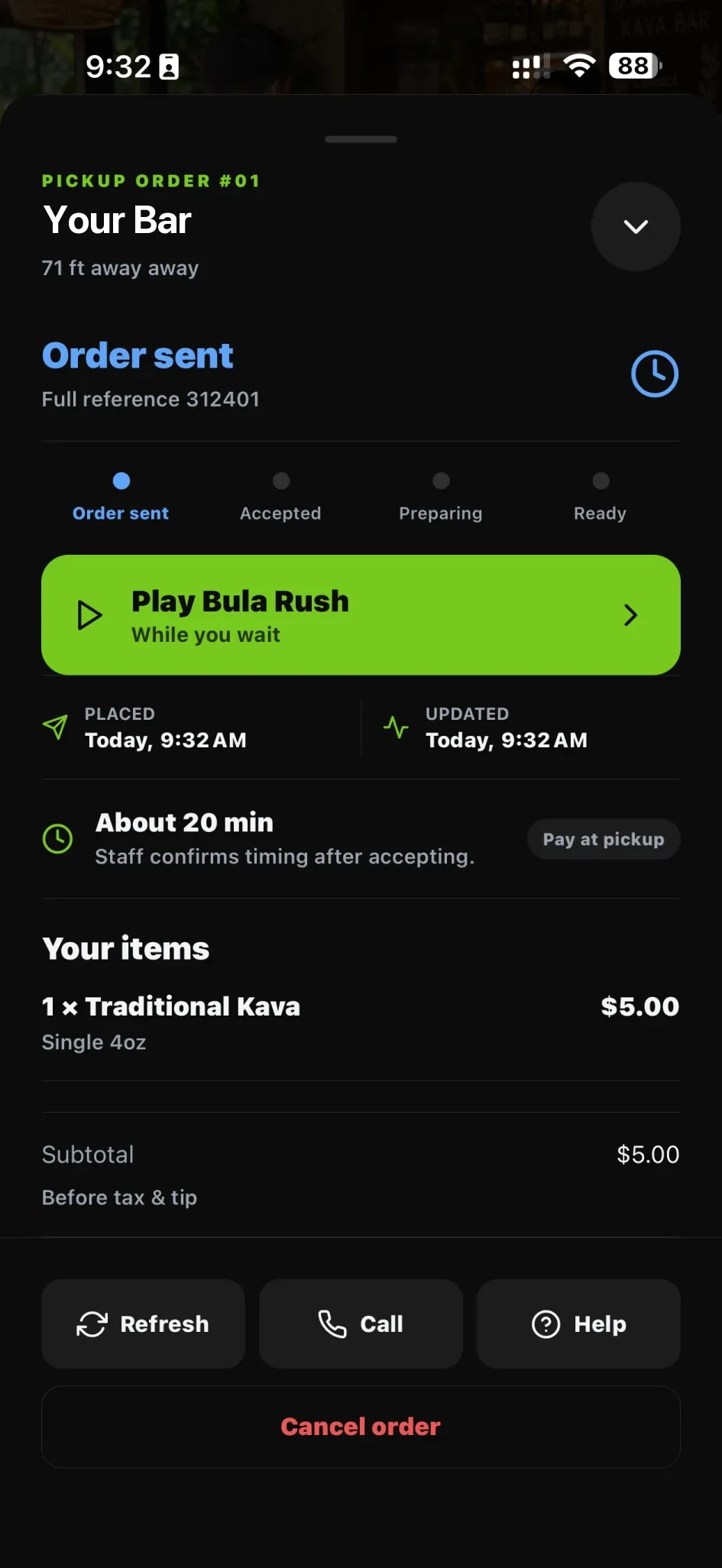
With HappyKava
Order status on the guest's phone, from sent to ready
The usual way
Orders scribbled on a notepad
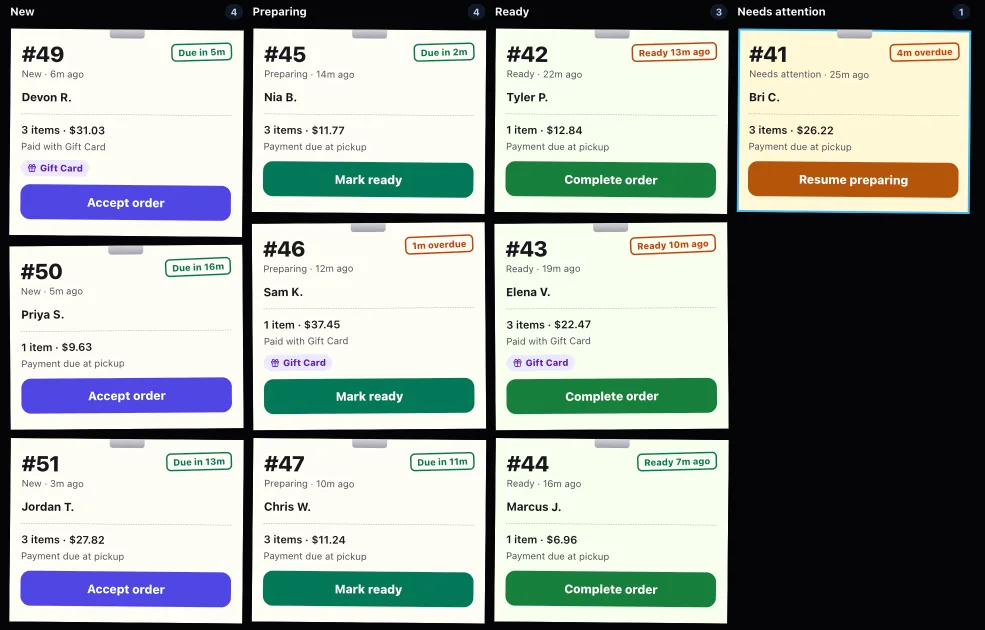
With HappyKava
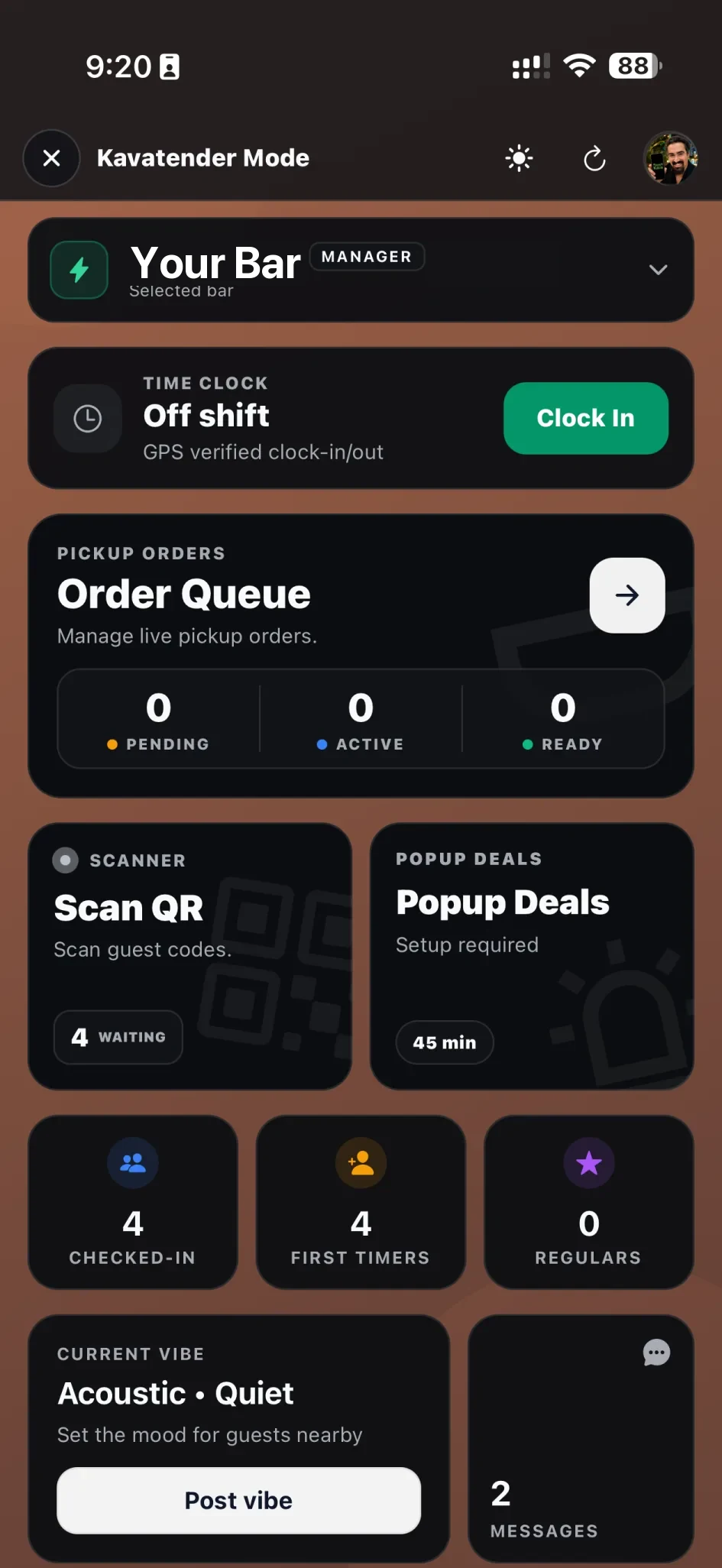
One queue your team sees on their phones and the dashboard
Three steps
How itworks.
Build your menu with sizes and add-ons.
Turn on pickup orders.
Guests order ahead, and your team marks each order ready.
Pricing
What itcosts.
Claiming your bar is free.
Pickup orders are free on every plan for a limited time, after a short setup. Delivery is in a pilot with selected bars.
See pricing →Questions
How do guests pay?
They pay when they pick up their order at the bar.
Do we need new hardware?
No. Orders show on staff phones and in the dashboard.
Can we offer delivery?
Delivery is in a pilot with selected bars. Ask us about joining it.